
Downloads
Brochures, datasheets, catalogs and plug-ins, free to download
149 resources

The CATIA Portfolio
The CATIA design and engineering apps, grouped by the work each one supports.

Dassault Systèmes Course Catalog
Every course we deliver, grouped by brand and product, each with its level, its length and its official course code.

The DELMIA Portfolio
Manufacturing and operations planning, from process design and ergonomics through to scheduling and shop floor execution.
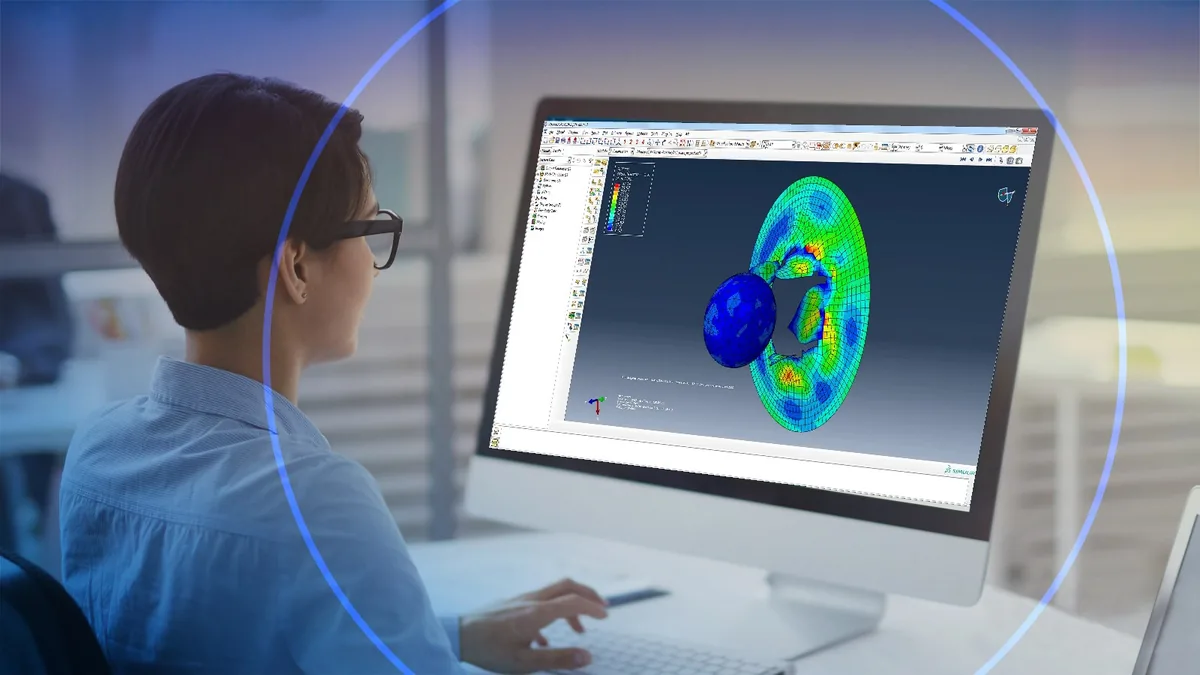
SIMULIA Abaqus
The Abaqus product family, what each solver covers and the analysis each one is built for.

The SIMULIA Portfolio
Every SIMULIA brand in one place, with the problems each one solves and how they fit together.
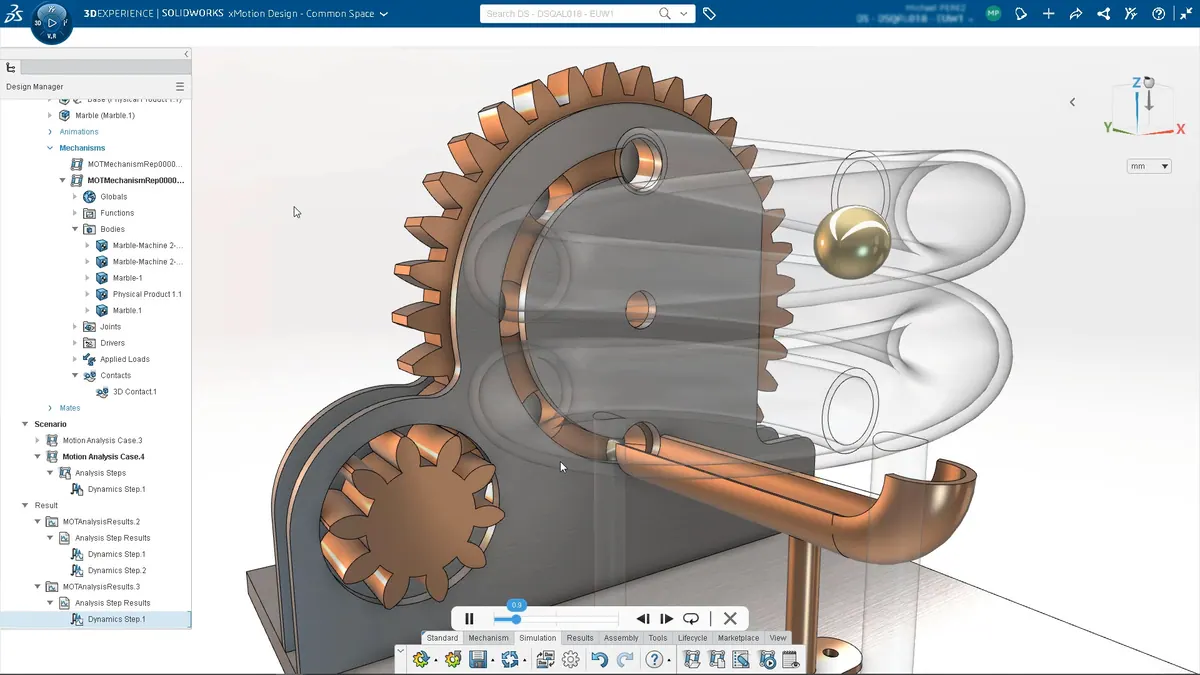
3D Motion Creator (XMD)
Validate the kinematic and dynamic behavior of complex mechanical assemblies in a browser-based design analysis solution.
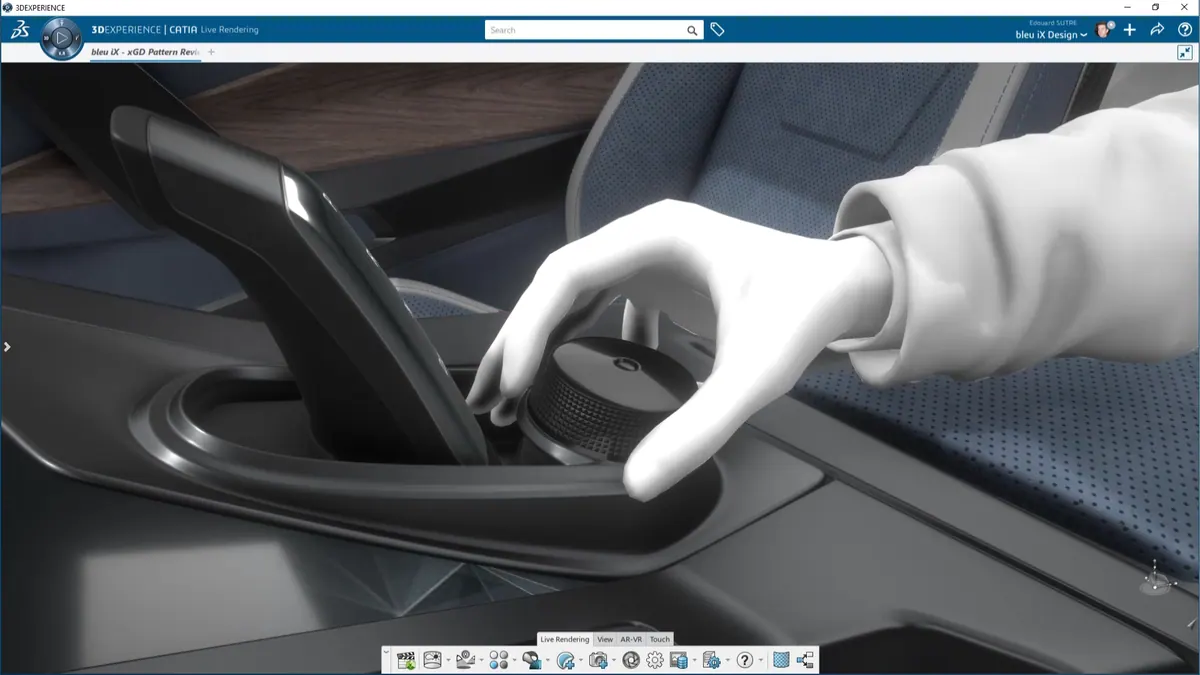
3D Pattern Shape Creator (XGG)
Design, explore and validate variants of complex, repetitive and non-regular shapes and patterns with an intuitive algorithmic approach.
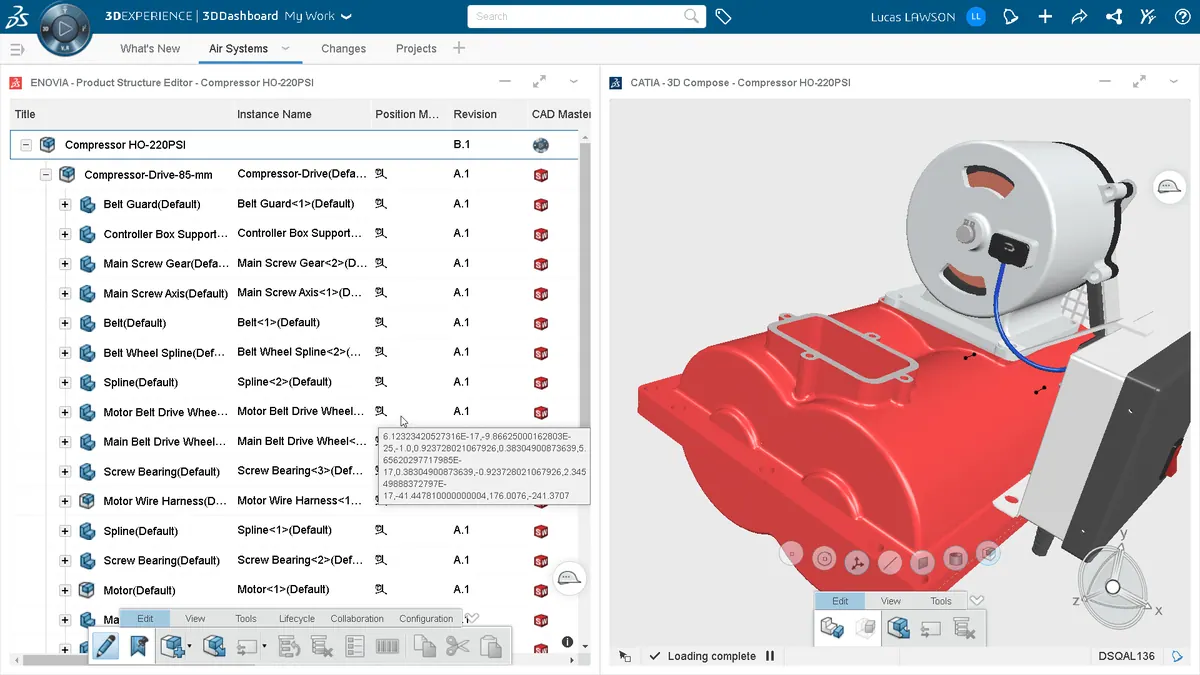
3D Product Architect (PAU)
Enable designers to navigate and author multi-CAD product structures with a shared experience between structure and 3D visualization.


Abaqus Micromechanics Plug-in and Manual
The micromechanics plug-in for Abaqus/CAE, published free by Dassault Systèmes, with its manual. Unzip the plug-in into a folder named abaqus_plugins in your home directory, then start Abaqus/CAE and find it under the Plug-ins menu. Put abaqus_plugins in a working directory instead to have it in that one model only. It works with Abaqus/CAE 2016 and later.
Abaqus Unified FEA
The full Abaqus offer in one document, from the solvers to the CAE environment and the ways they are extended.