
CATIADesign and Engineering
Practice CATIA Composites Design Using Import File Approach
The CATIA Composites Design app offers composites design engineers with a complete set of process-oriented features to engineer composites parts. This learning module allows you to practice the import file approach used to design a composites part. You will also learn how to analyze composites design, check manufacturability, generate production documents and exchange composites design with external FEA solvers.
- Level
- Advanced
- Length
- 13 hours 10 min
- Product
- 3DEXPERIENCE Platform
- Delivery
- Instructor-led or eLearning
What you will learn
On completing the module, you will be able to:
- Discover composites design approaches and its terminologies
- Create composites materials
- Import composites design data
- Create sandwich composites structure
- Design composites parts collaboratively
- Validate manufacturability of composites parts
- Create drawings for composites parts
- Exchange composites data with external FEA solvers
Topics covered
- Overview of CATIA Composites Design App30 min
- Introduction to CATIA Composites Design1 hour 30 min
- Design Wind Blade with Excel File1 hour
- Design Long Skinny Part30 min
- Design Sandwich Composites Structure Using Import File Approach1 hour
- Design Composites Parts Collaboratively1 hour
- Check Manufacturability of Composites Parts2 hours 50 min
- Prepare Part for Manufacturing1 hour 50 min
- Create Documentation1 hour 10 min
- Exchange Composites Design with External FEA Solver1 hour 50 min
Prerequisites
Learners pursuing this learning module should have completed the Explore the 3DSwymer Role and 3DEXPERIENCE® Platform Essentials for CAD Users modules. They should also be familiar with surface design.
Related courses

3DEXPERIENCE® Platform Essentials for CAD Users
1 hourView course

Explore the 3DSwymer Role
1 hour 50 minView course
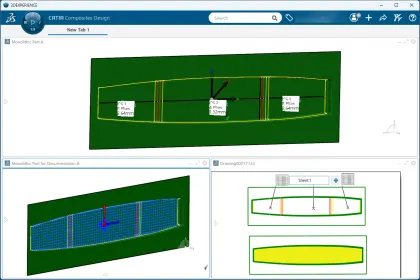
Practice CATIA Composites Design Using Manual Design Approach
16 hours 40 minView course
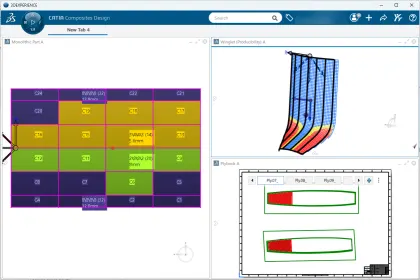
Practice CATIA Composites Design Using Grid Design Approach
24 hours 30 minView course
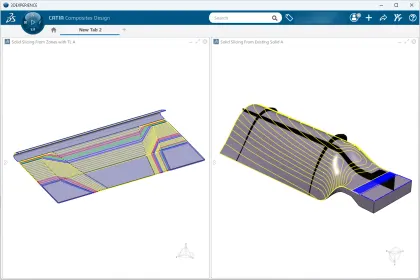
Practice CATIA Composites Design Using Solid Slicing Approach
14 hours 10 minView course

Composites Part Manufacturing
20 hoursView course
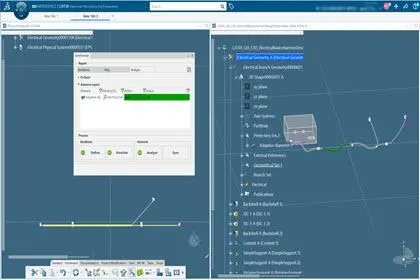
Practice CATIA Electrical Manufacturing Preparation
3 hoursView course
Practice CATIA Sheet Metal for Hydro-formed Parts
2 hoursView course
