
CATIADesign and Engineering
Practice CATIA Composites Design
The CATIA Composites Design app offers composites design engineers with a complete set of process-oriented features to engineer composites parts. This learning module lets you practice the various approaches used to design a composites part. You will also learn how to analyze composites design and generate production documents.
- Level
- Fundamental
- Length
- 8 hours
- Product
- 3DEXPERIENCE Platform
- Delivery
- Instructor-led or eLearning
What you will learn
Upon the completion of this module, you will be able to:
- Define Composites Parameters
- Import Composites Design Directly from an Excel File
- Design a Composite Part using the Grid Approach
- Design a Composite Part using the Zone Approach with Solid Slicing
- Perform and inspect the Producibility Analysis
- Export and import the Ply Design Data
- Create a Ply Book
Topics covered
- Course Requisites10 min
- Getting Started With Composites Design20 min
- Design a Composites Part Using the Excel Approach1 hour 20 min
- Design a Composites Core30 min
- Design a Composites Part Using the Grid Approach50 min
- Manage and Analyze Plies1 hour
- Design a Composites Part Using the Solid Slicing Approach1 hour
- Create Solid from Iso-Thickness Areas30 min
- Analyze Producibility50 min
- Generate Production Data1 hour 30 min
- Assessment: Practice CATIA Composites Design
Who it is for
Composites Designers
Prerequisites
Learners attending this module should have completed the Explore the 3DSwymer Role module and should be familiar with CATIA Drafting.
Software: 3DSwymer (IFW-OC), Collaborative Industry Innovator (CSV-OC), Airframe Composites Designer (AICOA-OC)
Related courses

Explore the 3DSwymer Role
1 hour 50 minView course

Composites Grid Approach
16 hoursView course
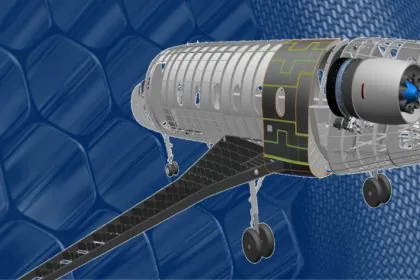
Explore the Airframe Composites Designer Role
5 hours 45 minView course

Practice CATIA Generative Shape Design Essentials
7 hoursView course
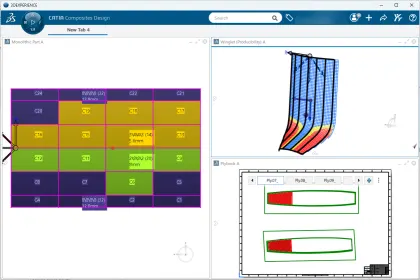
Practice CATIA Composites Design Using Grid Design Approach
24 hours 30 minView course
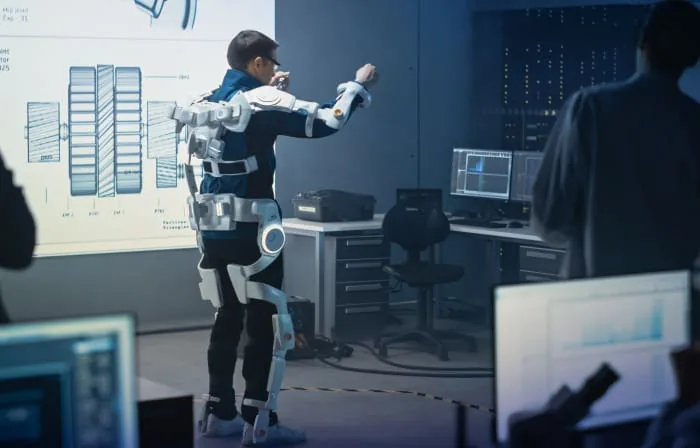
Practice CATIA Mechanical Systems Design
6 hoursView course
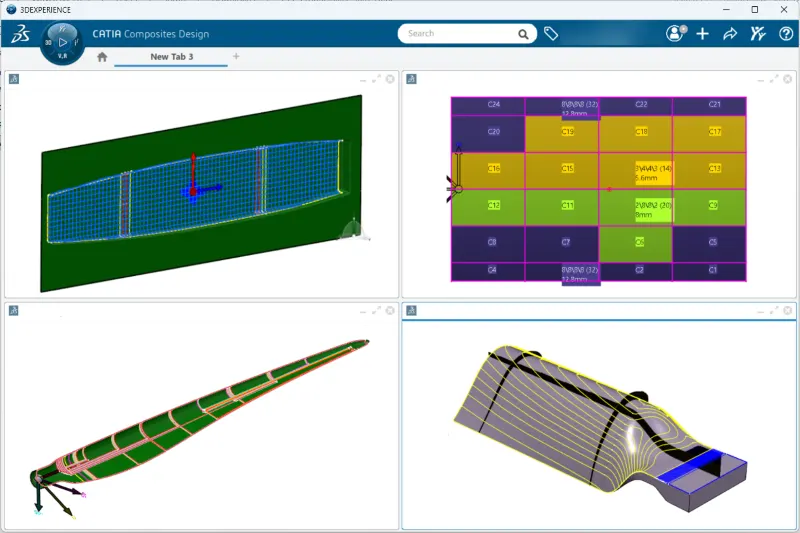
Perform as a Composites Design Engineer - Intermediate
37 hours 30 minView course
Explore the 3D Innovator Role
4 hours 30 minView course
