
CATIADesign and Engineering
Practice CATIA Generative Shape Design
In this module, you will learn how to use the Generative Shape Design app to create curves and surfaces. You will also learn how to analyze the wireframe and the surface quality and rectify the detected defects and connect the geometries smoothly. Further, you will learn how to apply resilient modeling techniques to facilitate easy updation of part during design change.
- Level
- Fundamental
- Length
- 6 hours
- Product
- 3DEXPERIENCE Platform
- Delivery
- Instructor-led or eLearning
What you will learn
- Create curves and improve the quality of the imported wireframes
- Create surfaces based on the wireframe geometries
- Assemble, re-limit and connect the surfaces smoothly to achieve the topology
- Analyze the surface quality and heal the defects
Topics covered
- Overview of the Generative Shape Design App45 min
- Create Wireframes1 hour 15 min
- Create Surfaces1 hour 45 min
- Create Detailed Design1 hour 30 min
- Update the Design45 min
Who it is for
Surface Designers
Prerequisites
Learners pursuing this learning module should have completed the Explore the 3DSwymer Role and the 3DEXPERIENCE® Platform Essentials for CAD Users modules. They should also be familiar with the basics of solid and surface CAD modelling.
Software: 3DSwymer (IFW-OC), Collaborative Industry Innovator (CSV-OC), Mechanical and Shape Designer (MES-OC)
Related courses

3DEXPERIENCE® Platform Essentials for CAD Users
1 hourView course

Explore the 3DSwymer Role
1 hour 50 minView course

Practice CATIA Generative Shape Design Essentials
7 hoursView course

Practice CATIA Generative Shape Develop
1 hour 50 minView course
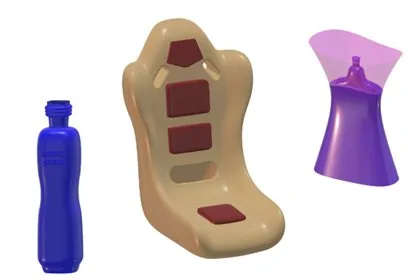
Practice CATIA Imagine and Shape
4 hoursView course

Practice CATIA Shape Healing
6 hours 30 minView course
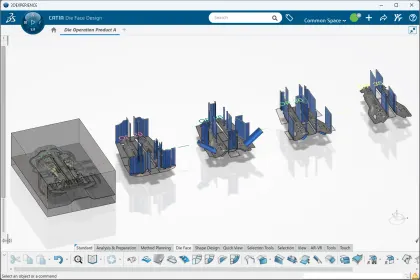
Practice CATIA Die Face Design
14 hoursView course
Practice CATIA FreeStyle Shape Design
12 hours 35 minView course
