
CATIADesign and Engineering
Practice CATIA Part Design
In this learning module, you will learn how to create 3D models using the CATIA Part Design app. You will also learn how to use different feature-based tools to build a 3D model. Further, you will also learn how to add parameters, reuse data, create models using tables, and modify a model.
- Level
- Fundamental
- Length
- 4 hours 20 min
- Product
- 3DEXPERIENCE Platform
- Delivery
- Instructor-led or eLearning
What you will learn
- Create new parts
- Create and constrain 2D sketches
- Complete a 3D model using basic features
- Parameterize a model
- Review and measure a model
- Reuse existing features
Topics covered
- Overview of the CATIA Part Design APP20 min
- Create Sketches40 min
- Design Features in 3D1 hour 20 min
- Create Parametric Designs1 hour
- Reuse Data20 min
- Develop Customized Design Elements40 min
Who it is for
Mechanical and Sheet Metal Designers
Prerequisites
Students attending this learning module should have completed the Explore the 3DSwymer Role module and should be familiar with mechanical and geometrical fundamentals.
Software: 3DSwymer (IFW-OC), Collaborative Industry Innovator (CSV-OC), Mechanical Designer (MDG-OC)
Related courses

Explore the 3DSwymer Role
1 hour 50 minView course
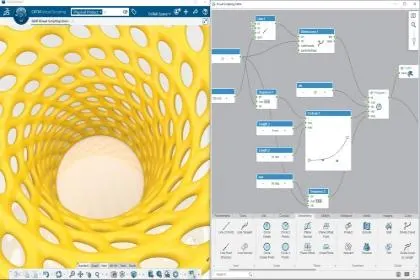
Practice CATIA Visual Scripting
6 hoursView course

Practice CATIA Generative Shape Develop
1 hour 50 minView course
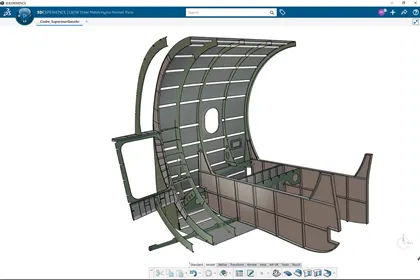
Practice CATIA Sheet Metal for Hydro-formed Parts
2 hoursView course
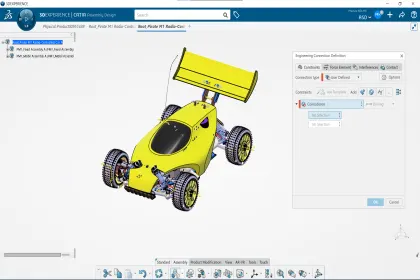
Practice CATIA Assembly Design
4 hours 35 minView course
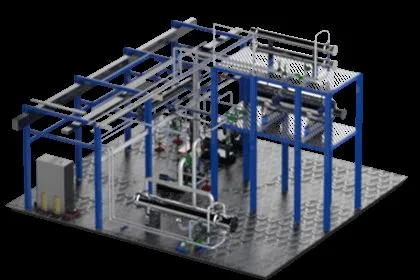
Practice CATIA Piping and Tubing Setup
24 hoursView course
Explore the Mechanical and Shape Designer Role
8 hours 15 minView course
Practice CATIA Smart Mechanical Components
3 hours 20 minView course
