
DELMIAManufacturing and Production
Practice DELMIA Manufacturing Context Builder
In this module, you will learn to explore the PPR context. You will also learn to manage the documents in the spreadsheet view. You will learn to use the Compare command to compare structures of different versions of a PPR object like products, manufactured items, resources, systems or operations.
- Level
- Fundamental
- Length
- 5 hours 48 min
- Product
- 3DEXPERIENCE Platform
- Delivery
- Instructor-led or eLearning
What you will learn
- Explore the PPR context
- Manage the documents in the spreadsheet view
- Manage the PPR Smart Completion
- Navigate Relations on a Product
- Compare structures of different versions of a PPR object
Topics covered
- Creating a PPR Context3 hours 40 min
- Managing PPR Structures2 hours 10 min
Who it is for
Process Planners
Prerequisites
Knowledge: Students attending this module should have completed the Explore the Business Innovator module. Additionally, they should be familiar with the fundamentals of Process Planning. 3DEXPERIENCE® Roles: Collaborative Business Innovator, Collaborative Industry Innovator and Process Engineer.
Related courses
Perform as a NC Prismatic and Mill-Turn Machine Programmer
35 hoursView course
Perform as a Manufacturing Engineer
11 hoursView course
Perform as a NC Mold and Die Programmer
16 hoursView course
Practice DELMIA Planning Structure
8 hours 10 minView course
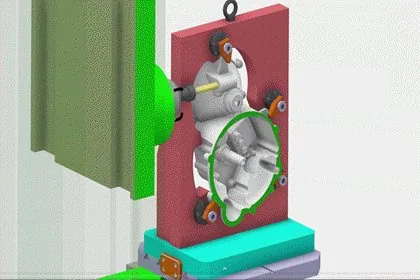
DELMIA V5 to 3DEXPERIENCE® Machining Transition
12 hours 12 minView course
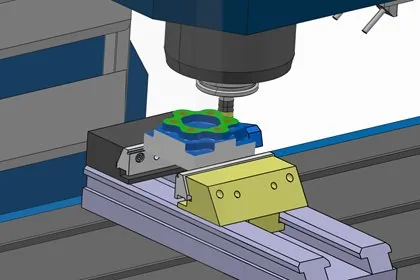
Practice DELMIA Prismatic Machining
12 hours 48 minView course

Explore the Manufacturing Engineer Role
1 hour 30 minView course
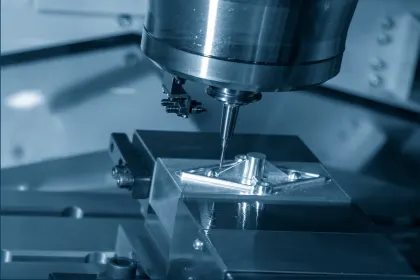
Perform as a NC Shop Floor Programmer
18 hoursView course
