Practice ENOVIA Project Management
This module will teach you how to create and manage projects, assign project members, create tasks, create bookmark structures and define access rights for managing the documents related to the projects. You will also learn how to create the process flows for the review and approval of tasks, and how to monitor the status of different projects. Additionally, you will learn how to use the Microsoft Project Integration functionality to exchange and view a project’s data.
- Level
- Fundamental
- Length
- 11 hours
- Product
- 3DEXPERIENCE Platform
- Delivery
- Instructor-led or eLearning
What you will learn
- Create programs and projects
- Assign members to a project
- Add tasks and assign project members to the tasks
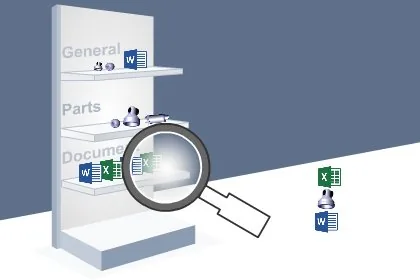
- Create bookmarks for managing project documents
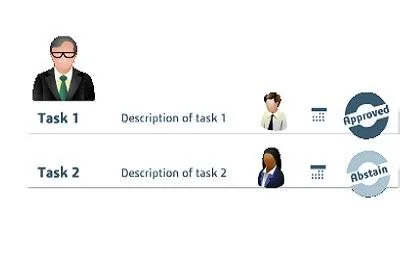
- Create process flow for tasks
- Review the status of programs and projects
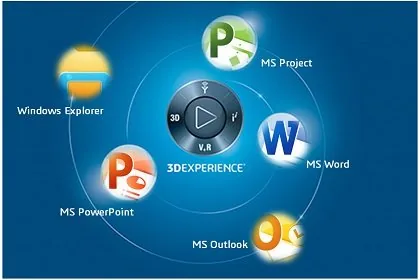
- Exchange and view projects’ data using Microsoft Project Integration
Topics covered
- Getting Started with the Project Management App45 min
- Creating Programs and Projects1 hour 45 min
- Creating a Schedule and Assigning Members1 hour 45 min
- Creating Experiments, Project Issues and Baselines1 hour 45 min
- Creating Bookmarks and Defining Access Rights1 hour 30 min
- Creating Routes and Completing the Tasks1 hour
- Monitoring the Status of Programs and Projects1 hour 40 min
- Using Microsoft Project Integration50 min
Who it is for
Project Managers and Project Team Members.
Prerequisites
Knowledge: Students attending this course should have completed the Explore the Business Innovator and Explore the Industry Innovator module. 3DEXPERIENCE® Roles: Collaborative Business Innovator, Collaborative Industry Innovator and Project Manager.