
SIMULIASimulation
Automating Analysis in fe-safe
In this course you will learn how to extend fatigue analysis originally configured in the fe-safe GUI to include different methods of automated fatigue analysis. This includes exporting and importing a project archive and using project settings files generated in the fe-safe GUI. Automation can be completed using a command line execution, macro file, or batch file. The different ways of opening the FEA solution will be discussed in the context of these methods. You will learn how to change one or more settings in an fe-safe analysis using each of these methods. The examples include analyses with verity in fe-safe as well as fe-safe/Rubber. Integration with SIMULIA Isight and Tosca Structure will be covered.
- Level
- Advanced
- Length
- 6 hours 25 minutes
- Product
- fe-safe
- Delivery
- Instructor-led or eLearning
What you will learn
- Set up and run various automated fatigue analyses using fe-safe
- Export a project used with fe-safe to replicate analysis
- Use pre-scanning and group commands in a macro file
- Change project settings and run analysis in a macro
- Change project settings and run analysis in a batch file
- Troubleshoot and customize batch files and macros
Topics covered
- Overview - Automating Analysis in fe-safe®10 min
- 1 - Overview of Automation for fe-safe1 hour 15 min
- 2 - Preparing a Project Directory to Duplicate Analysis1 hour 15 min
- 3 - Initiating Analysis from the Command Prompt1 hour 15 min
- 4 - Automating Analysis using a Macro File1 hour 15 min
- 5 - Initiating Analysis using a Batch File50 min
- 6 - Process Integration and Design Exploration20 min
- Appendices-
Who it is for
Simulation Analysts
Prerequisites
Related courses
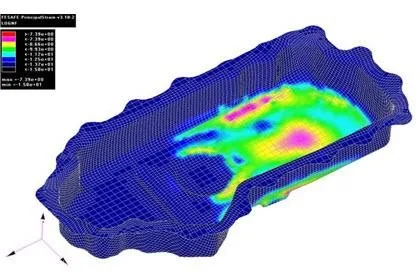
SIMULIAfe-safeFundamental
Introduction to fe-safe
10 hours 45 minutesView course
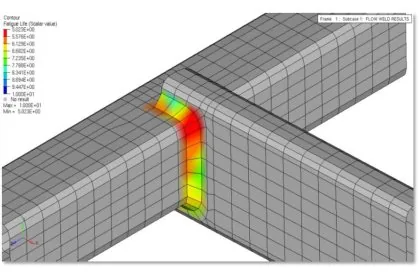
SIMULIAfe-safeAdvanced
Fatigue of Welds in fe-safe
6 hours 5 minutesView course
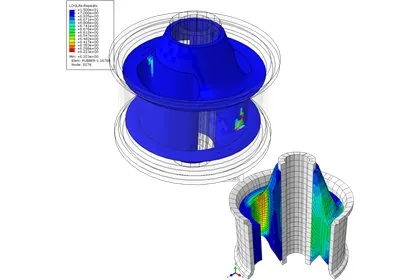
SIMULIAfe-safeFundamental
Introduction to fe-safe/Rubber
11 hours 15 minutesView course
SIMULIA3DEXPERIENCE PlatformFundamental
Model Assembly Design Essentials
5 hours 20 minutesView course
SIMULIA3DEXPERIENCE PlatformAdvanced
Structural Simulation: Tire Analysis
3 hours 15 minutesView course
SIMULIA3DEXPERIENCE PlatformFundamental
Process Composer Essentials
8 hours 15 minutesView course
SIMULIA3DEXPERIENCE PlatformAdvanced
Spotlight: Coupled Eulerian-Lagrangian Analysis
1 hoursView course
SIMULIA3DEXPERIENCE PlatformFundamental
Design Exploration Essentials
11 hours 20 minutesView course