
SIMULIASimulation
Connector for PowerFLOW: Connecting PowerDELTA and 3DEXPERIENCE
This course describes the set of tools provided by PowerDELTA to: - Save and access frames to/from the 3DEXPERIENCE® platform - Update to the latest available meshes
- Level
- Fundamental
- Length
- 2 hours 10 minutes
- Products
- PowerFLOW, 3DEXPERIENCE Platform
- Delivery
- Instructor-led or eLearning
What you will learn
- Import a Product Structure into PowerDELTA
- Save frames to the 3DEXPERIENCE® platform
- Open/download frames from the 3DEXPERIENCE® platform
Topics covered
- Connector for PowerFLOW: Connecting PowerDELTA and 3DEXPERIENCE®5 min
- 1 - Connecting PowerDELTA and 3DEXPERIENCE®2 hour
Prerequisites
The following courses are required prior to taking this one:
- Introduction to PowerDELTA
- Getting Started with Physics Simulation
Software: All Physics Analyst
Related courses
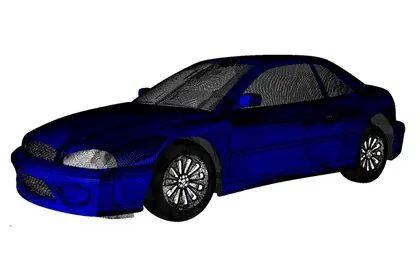
SIMULIAPowerFLOWFundamental
Introduction to PowerDELTA
14 hours 30 minutesView course
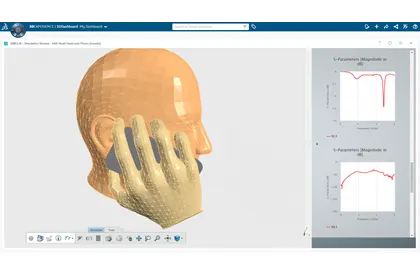
SIMULIA3DEXPERIENCE PlatformFundamental
Perform as an All Physics Analyst
7 hoursView course

SIMULIAPowerFLOWFundamental
Complete Guide to PowerDELTA
29 hours 40 minutesView course
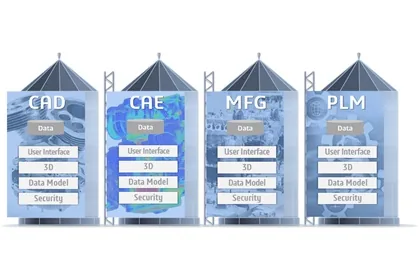
SIMULIAPowerFLOW3DEXPERIENCE PlatformFundamental
Using PowerFLOW on the 3DEXPERIENCE® Platform
2 hours 40 minutesView course
SIMULIA3DEXPERIENCE PlatformFundamental
Connector for Simpack Essentials
1 hour 15 minutesView course
SIMULIA3DEXPERIENCE PlatformFundamental
Perform as an Antenna Placement Electromagnetics Engineer
7 hoursView course
SIMULIA3DEXPERIENCE PlatformFundamental
Perform as an Electromagnetics Engineer
28 hoursView course
SIMULIA3DEXPERIENCE PlatformAbaqusFundamental
Connector for Abaqus/CAE Essentials
1 hours 15 minutesView course