
SIMULIASimulation
Introduction to CST Studio Suite
Throughout this course you will become familiar with the CST Studio Suite interface and how to perform basic tasks in terms of modeling, setup of simulation, and analyzing pre and postprocessing results. This course will also briefly discuss the various high frequency solvers available in CST Microwave Studio and provide a behind-the-scenes look at the FIT and FEM algorithms.
- Level
- Fundamental
- Length
- 8 hours 25 minutes
- Product
- CST Studio Suite
- Delivery
- Instructor-led or eLearning
What you will learn
Upon completion of this course you will be able to:
- Navigate the general layout of the CST Studio Suite interface
- Generate CAD geometries within the native modeling interface
- Set up the project environment with the desired units, frequency settings, background materials and boundary conditions
- Understand the various material types that exist and how to define them
- Setup excitations using lumped elements and waveguide ports
- Setup result monitors to obtain 2D/3D field data
- Choose and set up the most appropriate solver and algorithm for high frequency applications.
Topics covered
- Overview - Introduction to CST Studio Suite10 min
- 1 - Introduction15 min
- 2 - Basic and Advanced Modeling Techniques2 hour 15 min
- 3 - Solver Overview2 hour 10 min
- 4 - Ports, Materials and Boundaries40 min
- 5 - High Performance Computing2 hour 50 min
- 6 - Results Handling and Postprocessing30 min
- 7 - Optimizer Overview40 min
Who it is for
Electromagnetic Simulation Analysts
Related courses
SIMULIACST Studio SuiteAdvanced
CST Studio Suite - EDA / SI-PI
17 hoursView course
SIMULIACST Studio SuiteAdvanced
CST Studio Suite - Low Frequency
8 hours 20 minutesView course
SIMULIACST Studio SuiteAdvanced
CST Studio Suite - Charged Particle Applications
9 hours 30 minutesView course
SIMULIACST Studio SuiteAdvanced
CST Studio Suite - Microwave and Antenna
6 hours 20 minutesView course

SIMULIACST Studio SuiteAdvanced
CST Studio Suite - Spark3D
6 hoursView course
SIMULIACST Studio SuiteAdvanced
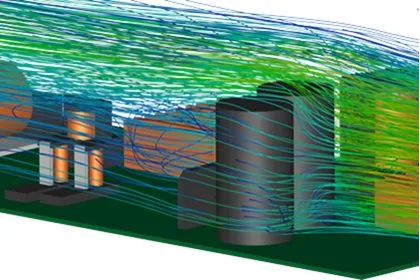
CST Studio Suite - Multiphysics
7 hours 50 minutesView course
SIMULIACST Studio SuiteAdvanced
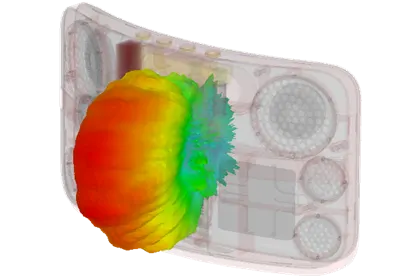
CST Studio Suite - Antenna Placement
6 hours 35 minutesView course
SIMULIACST Studio SuiteAdvanced
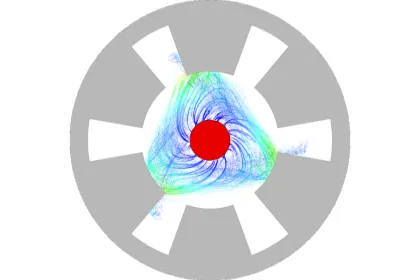
CST Studio Suite - Charged Particle Dynamics
5 hours 50 minutesView course