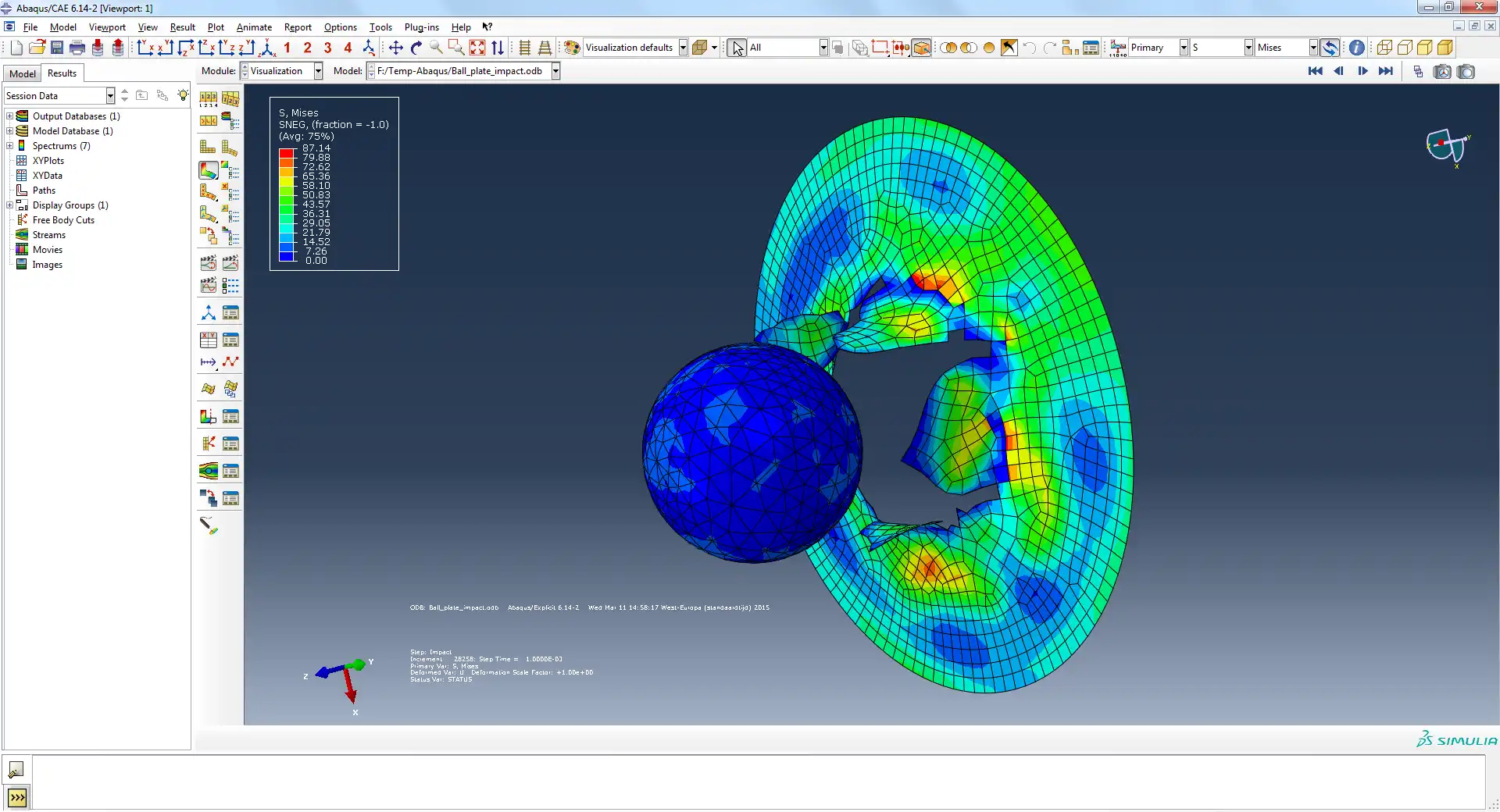
Contact between parts
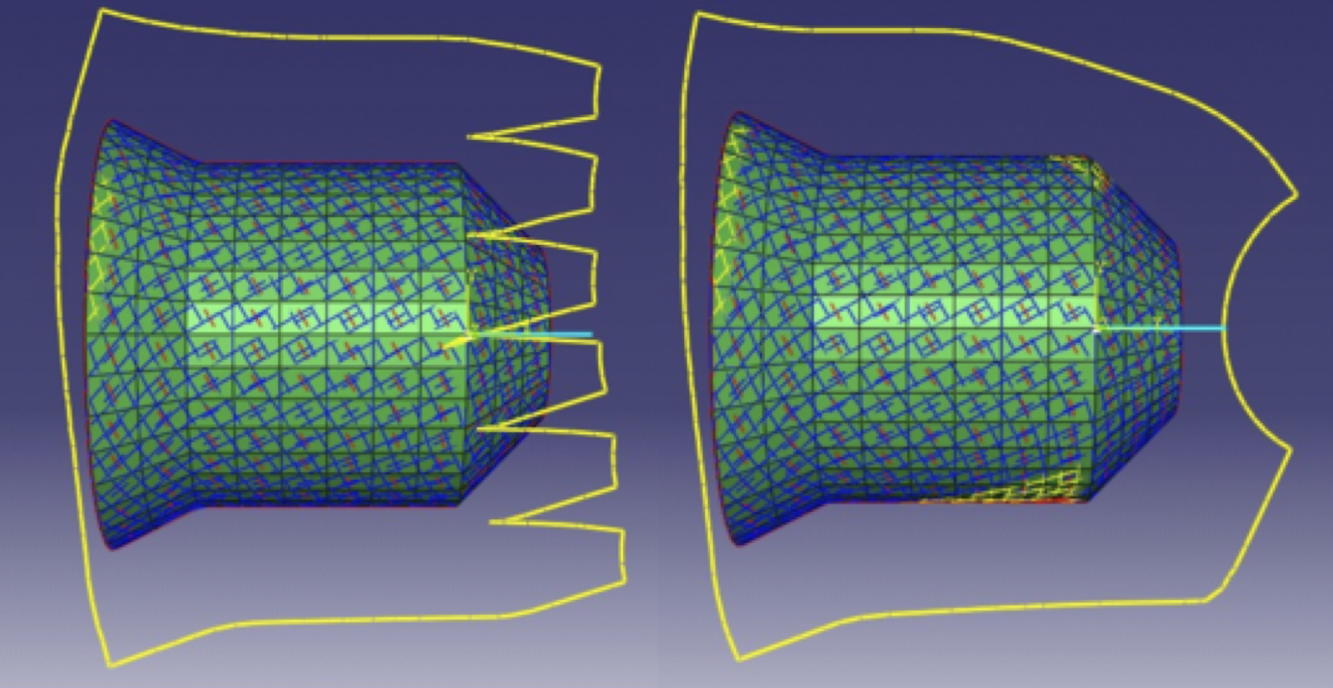
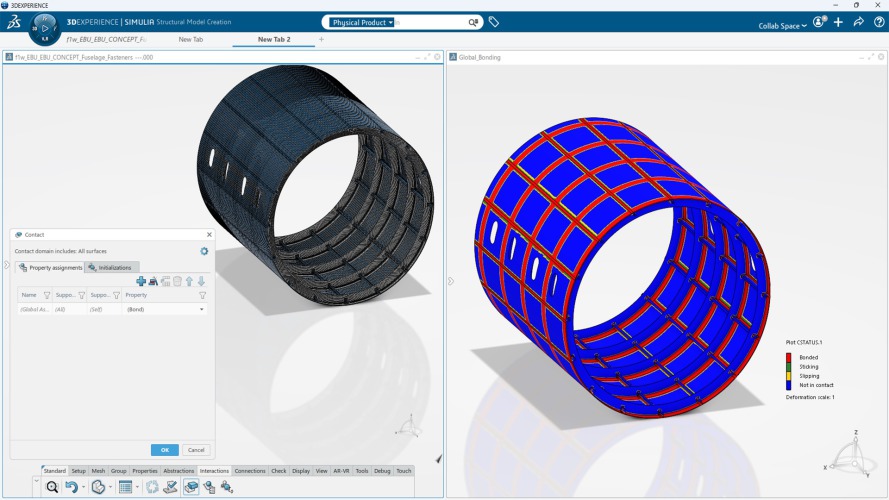
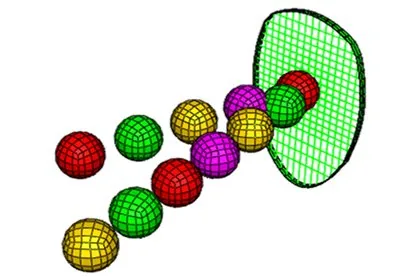
Parts that touch, slide, separate and meet again. General contact works the whole model out rather than asking you to name every pair, which is what makes a large assembly tractable at all.
We use cookies to measure how the site is used to improve the user experience. See our Privacy Policy.
Simulate real world product behavior with nonlinear FEA and multiphysics analysis in Abaqus
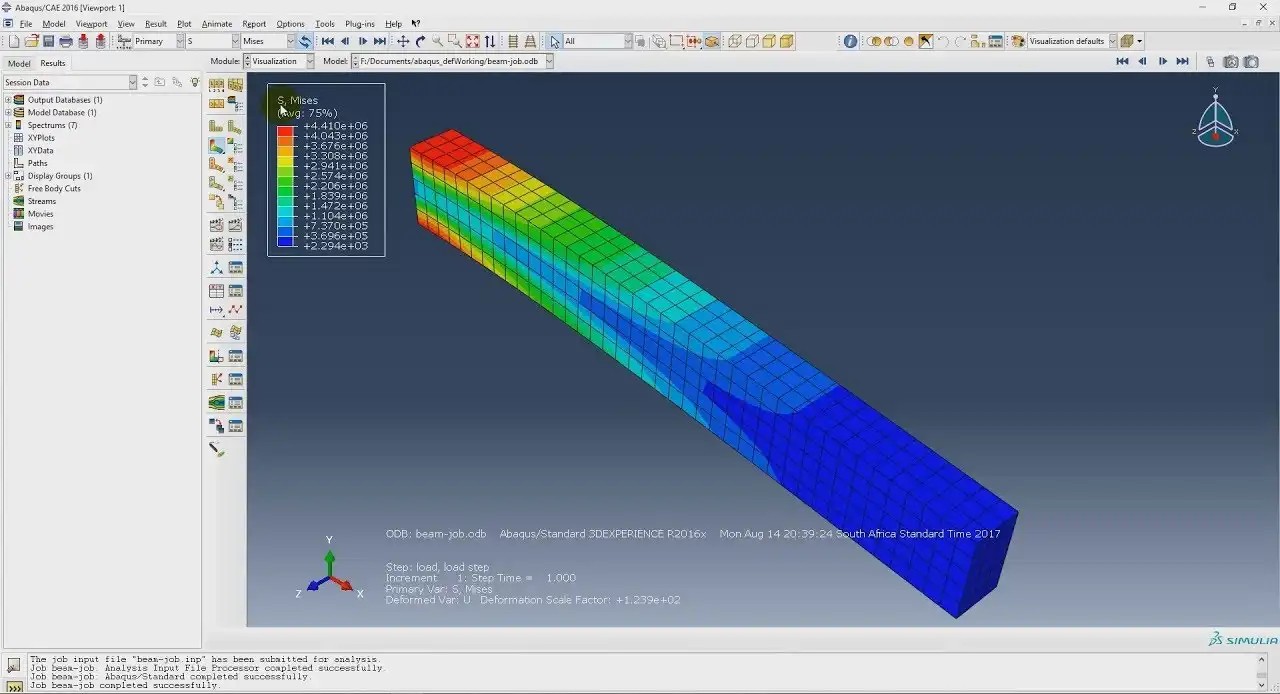
Abaqus is a finite element analysis (FEA) suite used to simulate how parts and assemblies behave under real operating conditions. It is widely used for nonlinear problems such as large deformation, contact, material nonlinearity, thermal analysis, and complex multiphysics interactions.
The problems Abaqus is built for.
Parts that touch, slide, separate and meet again. General contact works the whole model out rather than asking you to name every pair, which is what makes a large assembly tractable at all.
Loading that changes the shape enough that the original geometry no longer describes it. Seals, gaskets, rubber mounts, and anything formed rather than machined.
Layup held ply by ply, with damage that starts in one ply and travels through the laminate. Composites Modeler builds the layup inside Abaqus/CAE.
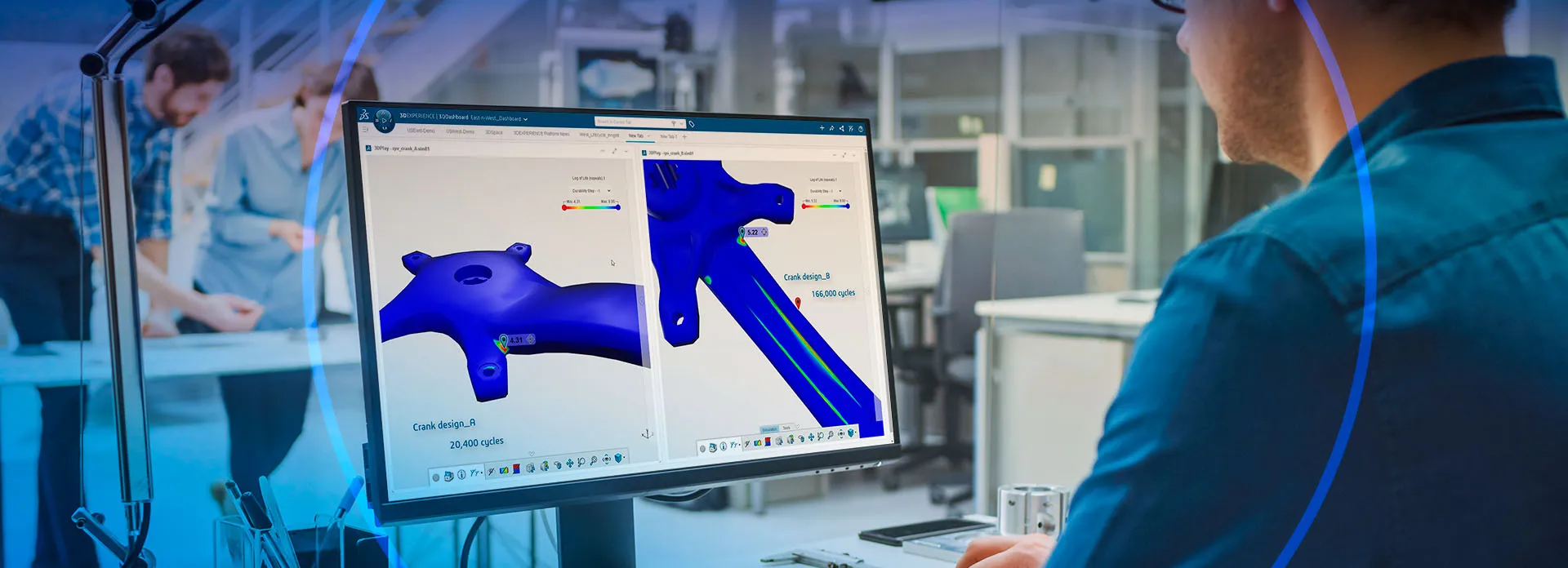
Where a crack starts, how far it runs, and how long the part lasts. Extended finite elements handle the crack, and fe-safe reads the results to give the life.
Heat transfer on its own, or temperature and displacement solved together where one drives the other. Electrical and battery behavior couple the same way.
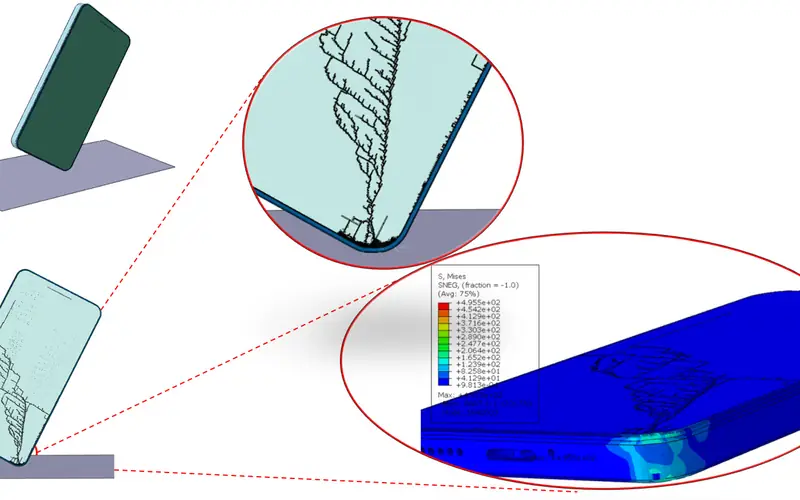
Drop, crash, blast and forming, over milliseconds. Abaqus/Explicit carries these through the severe contact and failure that stop an implicit solve converging.
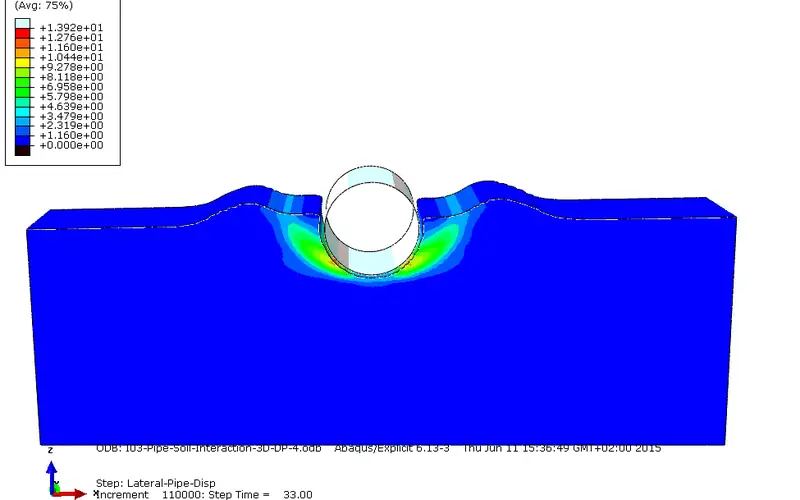
Soil and rock, with pore pressure, consolidation and staged excavation. Used on foundations, tunnels, pipelines and offshore structures.
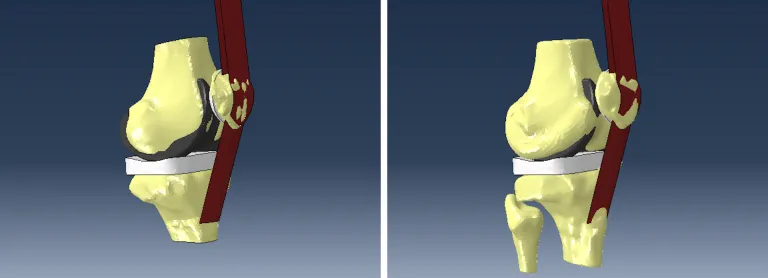
Soft tissue, bone and implants, using material models that behave like tissue rather than like metal. The Abaqus Knee Simulator is built on this.
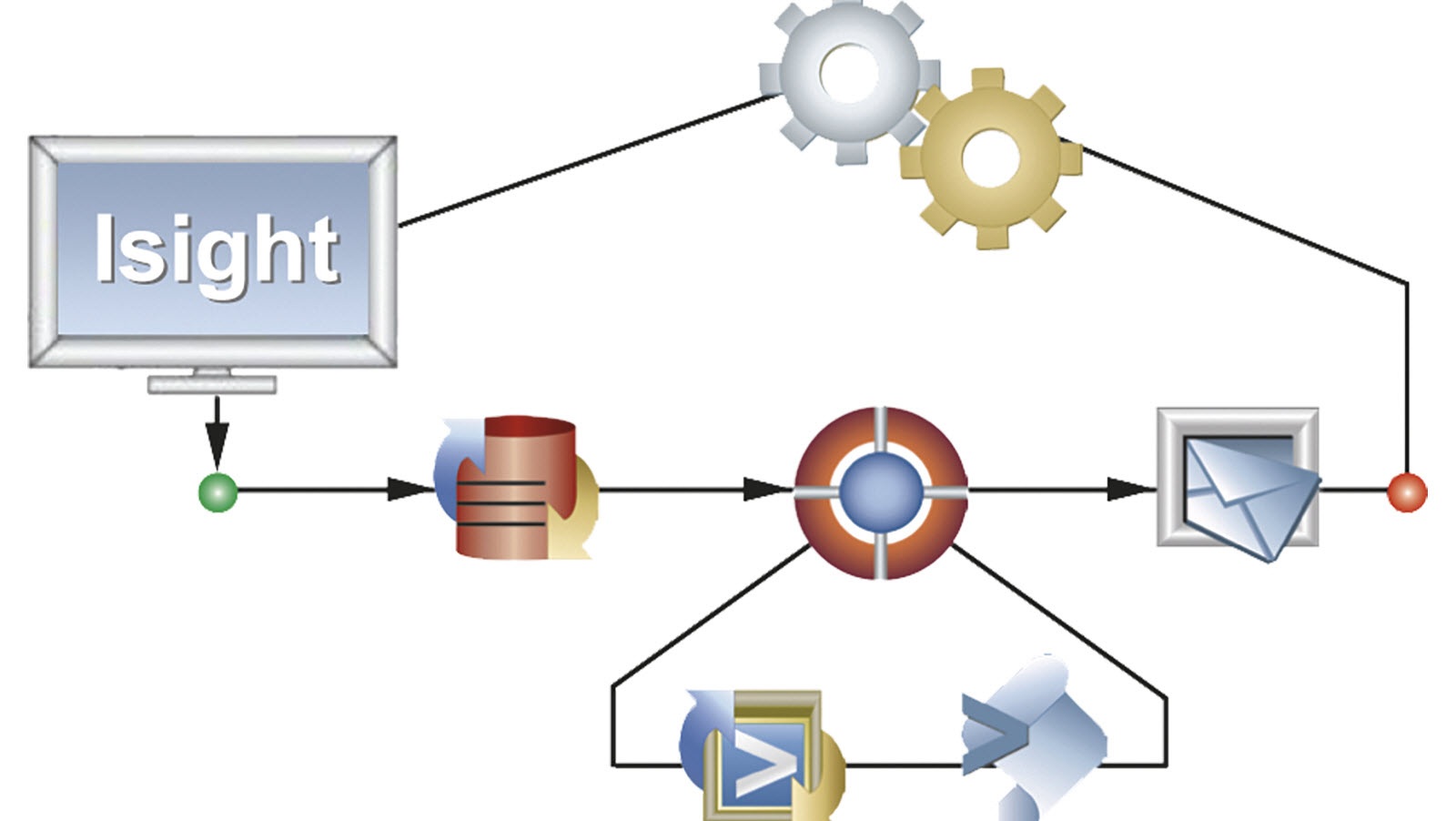
An Abaqus interface token (Abaqus/CAE, the graphical user interface) also runs the fe-safe, Isight and Tosca interfaces, without additional purchase.
Abaqus
Nonlinear FEA
fe-safe
Fatigue life
Included
Isight
Design studies
Included
Tosca
Structural optimization
Included
One pool of interface tokens
The same solver tokens run every SIMULIA solver and the simulation apps on the 3DEXPERIENCE® platform. They are checked out while a job runs, and checked back in when it ends.
One pool of solver tokens
What each part of Abaqus is for
Abaqus/Standard solves implicitly. It suits static loading, slow events, heat transfer and low frequency vibration. Abaqus/Explicit advances in very small increments and suits dynamic events such as impact, drop, blast and forming. Explicit also copes with severe contact and material failure that an implicit solve struggles to converge through. Results transfer between the two, so a forming run can feed a springback run. One license covers both.
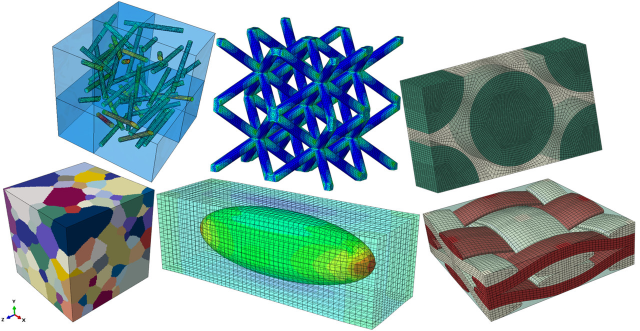
Metals, polymers, rubber and elastomers, composites, foams, concrete, soil and rock, and soft tissue. The behavior matters more than the list. Plasticity, hyperelasticity, viscoelasticity, creep, damage and failure, fracture and temperature dependence are all built in. If your material is not covered, you can write your own model with a user subroutine.
Cores, memory and disk speed all matter, and which one dominates depends on the solver. An implicit solve in Abaqus/Standard holds a large factorized matrix in memory, so RAM is usually the limit. Explicit jobs are lighter on memory and gain more from added cores. A fast local scratch disk helps any job that writes while it solves. Both solvers use the GPU. Size the hardware and the solver token pool together, since the token draw follows the core count.
Yes. A trial runs for up to 4 weeks. The limit is set by Dassault Systemes, so it is the same wherever you buy. You get licenses and a set number of solver tokens for the period, running on your own hardware, and we help you set up the license server.
The micromechanics plug-in for Abaqus/CAE, published free by Dassault Systemes, with its manual. Unzip the plug-in into a folder named abaqus_plugins in your home directory, then start Abaqus/CAE and find it under the Plug-ins menu. Put abaqus_plugins in a working directory instead to have it in that one model only. It works with Abaqus/CAE 2016 and later.
Read moreA practical look at how CATIA composite design and Abaqus structural simulation work as a unified system on the 3DEXPERIENCE platform
Read moreAbaqus 2026 FD01 adds GPU accelerated simulation, a better multiphysics interface, smarter contact setup and more material and analysis models.
Read moreStep-by-step guide to compiling Abaqus with Fortran, enabling custom subroutines and enhancing simulation capabilities for advanced engineering analyses.
Read moreOfficial Dassault Systèmes courses, taught by certified instructors in person, at your offices or online.