Materials Studio
An Integrated Environment for Multi-scale Computational Chemistry
Integrated Chemistry Modeling for Smarter Innovation
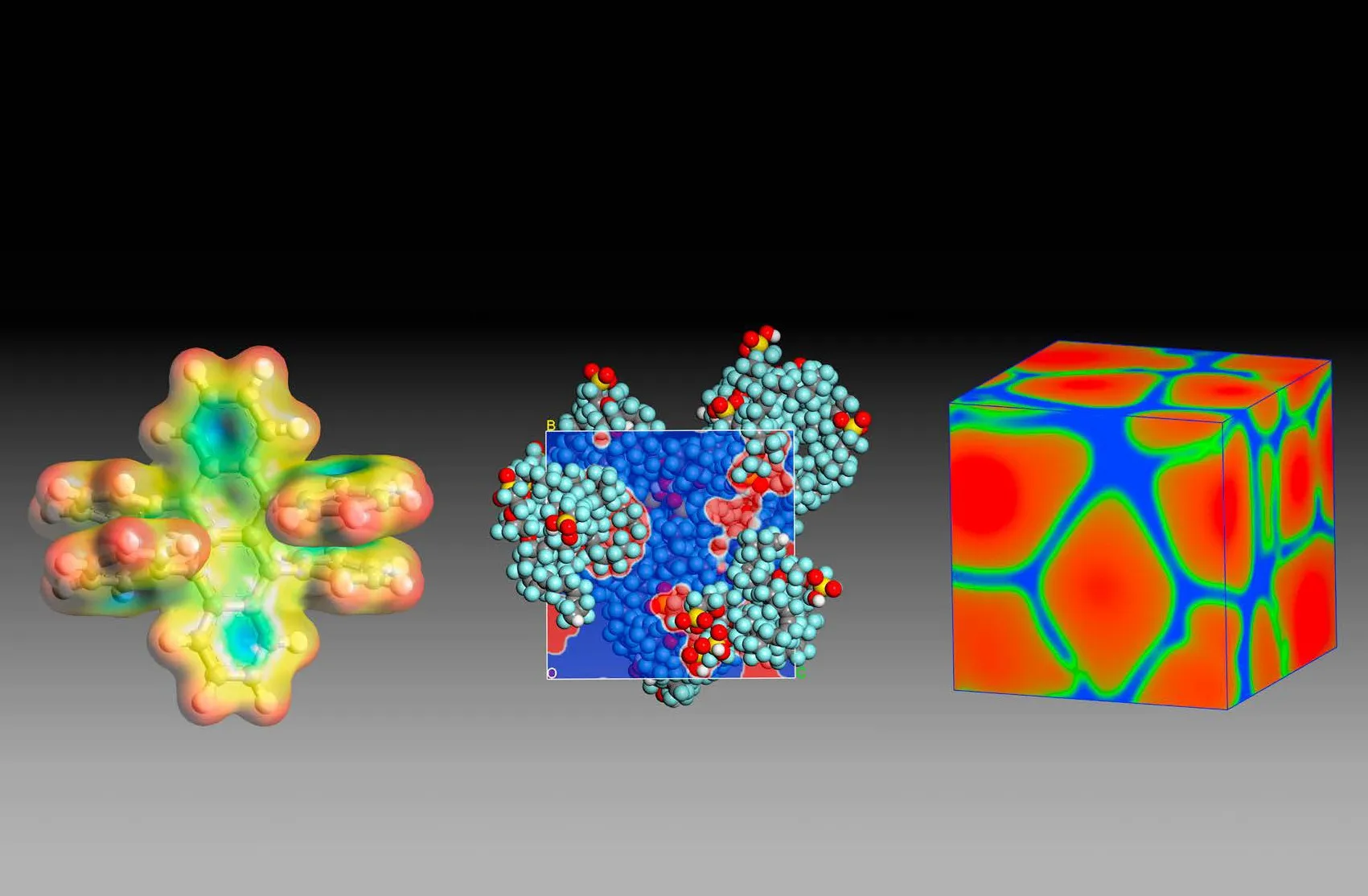
BIOVIA Materials Studio provides a comprehensive environment for materials science and chemistry research. It enables the prediction of relationships between a material’s atomic and molecular structure and its properties, helping researchers develop better-performing materials across various industries, including pharmaceuticals, catalysts, polymers, composites, metals, batteries, fuel cells, and nanomaterials.
Solvers in Materials Studio
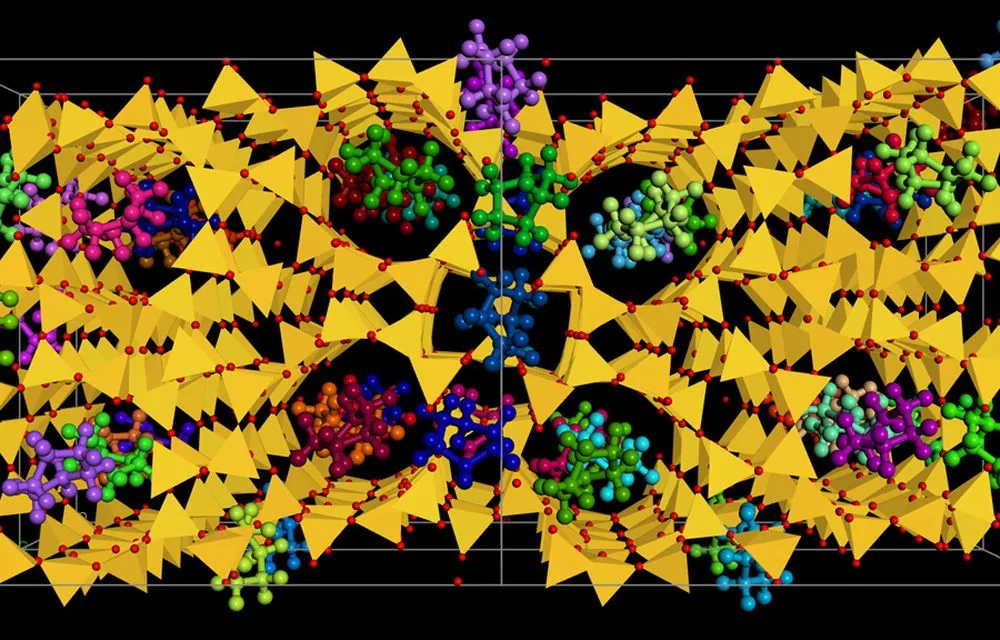
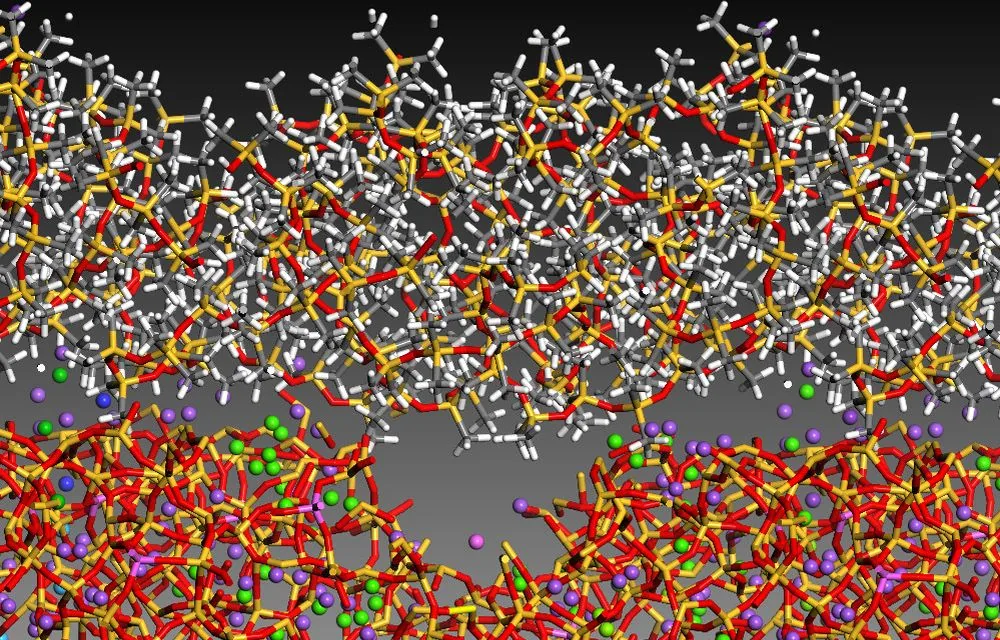
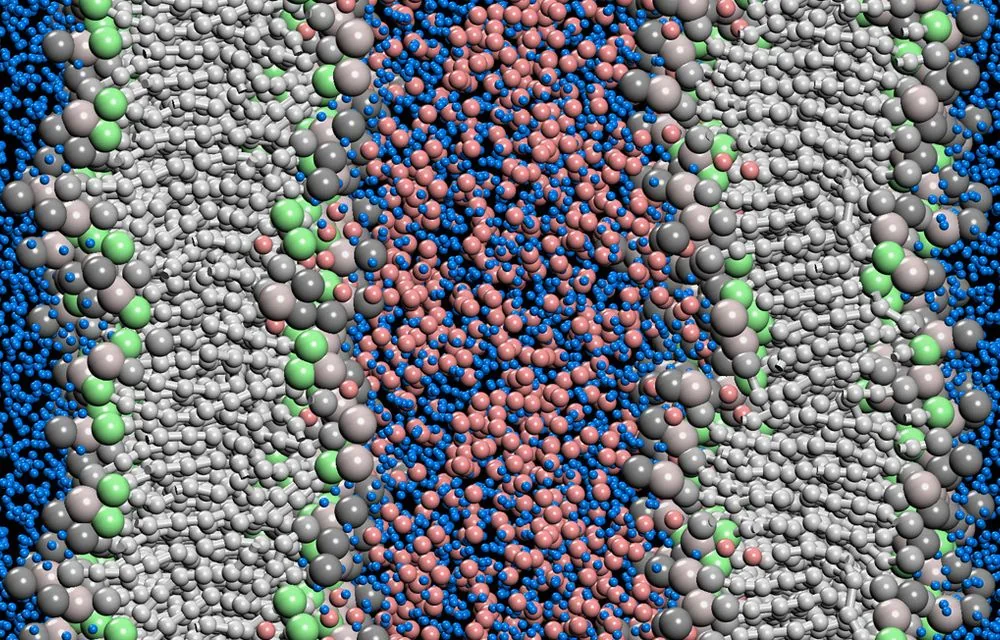
Comprehensive multi-scale tools, from quantum to mesoscale
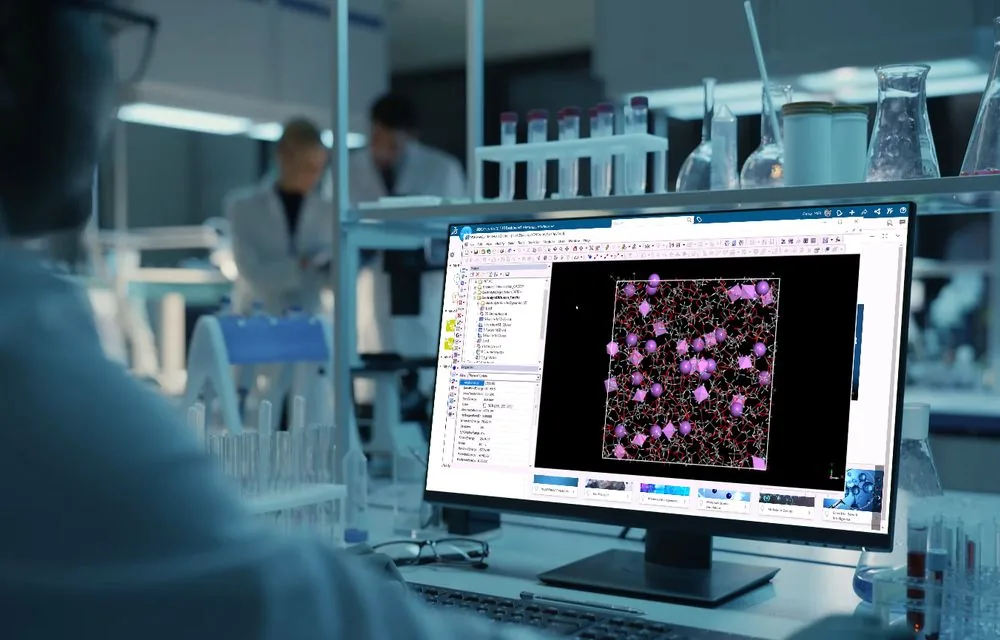
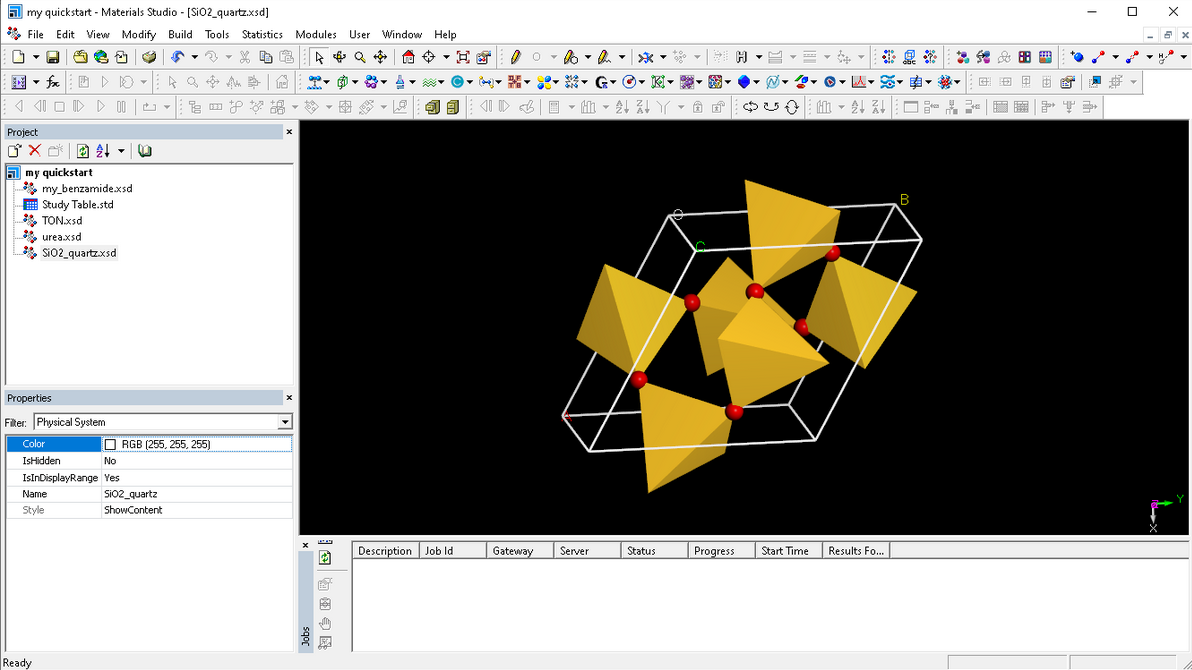
- Materials VisualizerBecome productive faster and with less effort using Materials Visualizer, the easiest to use and most complete graphical user environment for materials modeling and simulation.
Frequently Asked Questions
Is Materials Studio free for students or academia?
Materials Studio is offered through paid licenses for both academic research and teaching, with special academic pricing.
What force fields are available in Materials Studio?
Materials Studio includes the COMPASS forcefield (Condensed-phase Optimized Molecular Potentials for Atomistic Simulation Studies) with the latest COMPASS III parameters, and also supports CVFF, PCFF, Dreiding, Universal, the GULP forcefields and MACE machine-learned forcefields.
How can I determine if Materials Studio is suitable for my specific research topic?
Materials Studio is a powerful, all-in-one computational chemistry solution used globally to study materials across a wide range of industries. Not sure where to start? Contact us and we’ll guide you to the right decision based on your needs.
I love computational chemistry simulations, but I'm concerned about expensive simulation.
Materials Studio is now available on the cloud! You won’t need to worry about having powerful workstation, as you can run your calculations on the 3DEXPERIENCE® cloud.
Resources
Explore our latest resources and insights

BIOVIA Materials Studio brochure
Atomistic and molecular modeling for polymers, catalysts, crystals and other materials.
Read more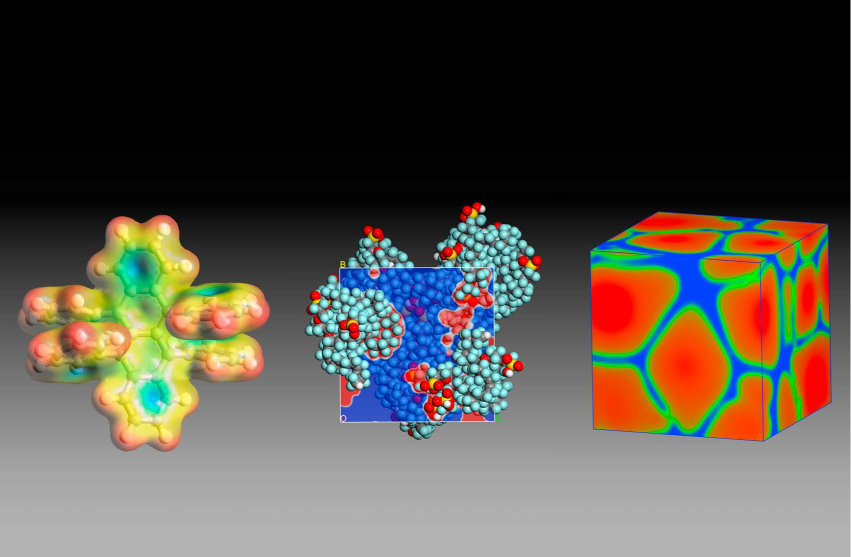
Installing Materials Studio: A Step-by-Step Installation Guide for Windows
Install the Materials Studio client and server on one Windows machine: download the media, run the installer, start the Gateway and add your license.
Read more
BIOVIA Portfolio: A Comprehensive Overview of Scientific Solutions for Innovation and Productivity
An overview of the BIOVIA portfolio, the Dassault Systèmes software for materials science, chemistry and life sciences research, and what each tool does.
Read more
Multiscale Material Simulation is the New Approach
Multiscale material simulation links the microstructure of a material to its performance, so materials can be designed and analyzed with more accuracy.
Read moreTraining on Materials Studio
Official Dassault Systèmes courses, taught by certified instructors in person, at your offices or online.