3DEXPERIENCE Implementation
The 3DEXPERIENCE® platform set up for the way your teams work, on premise or in the cloud.
What we cover

Cloud or on premise
The platform is available on premise and in public or private cloud. We set up the one you choose.
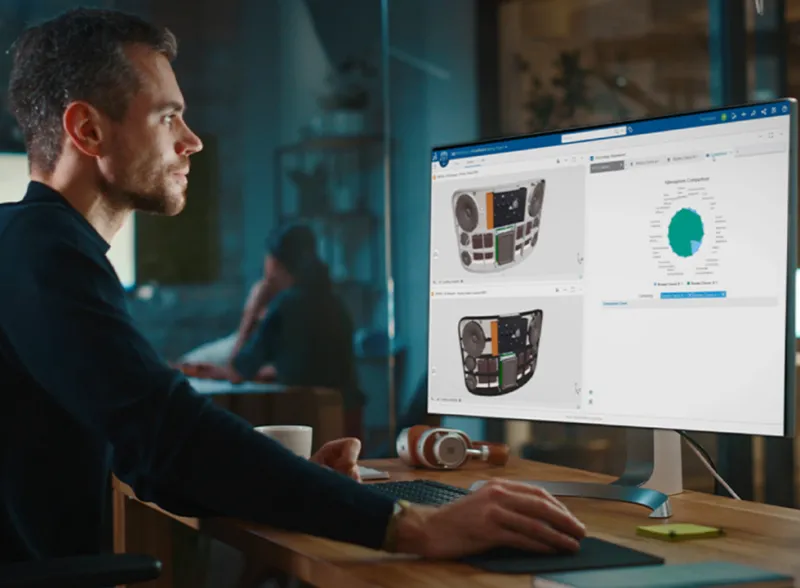
Platform setup
On premise, we install 3DPassport, 3DSpace, 3DDashboard, 3DSwym and 3DSearch. On the cloud, we prepare your tenant.
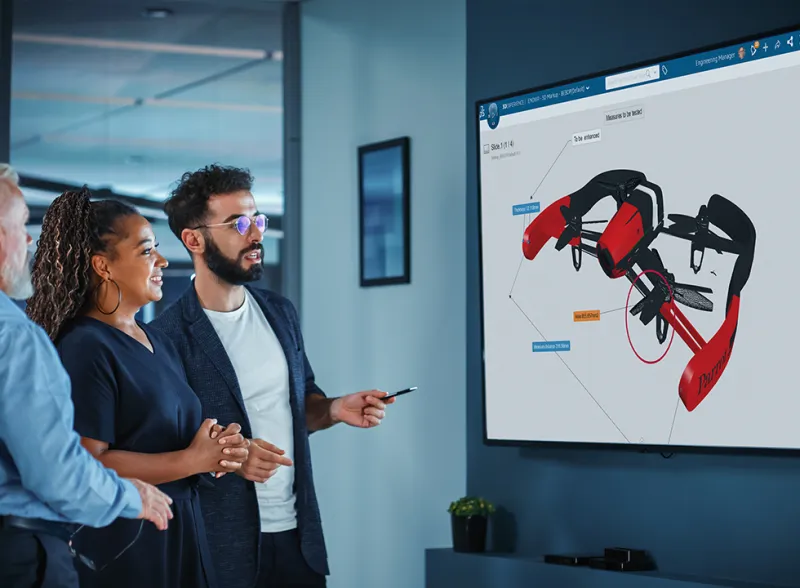
Roles and collaborative spaces
Each member gets the roles their work needs. Collaborative spaces follow your teams, projects and partners.
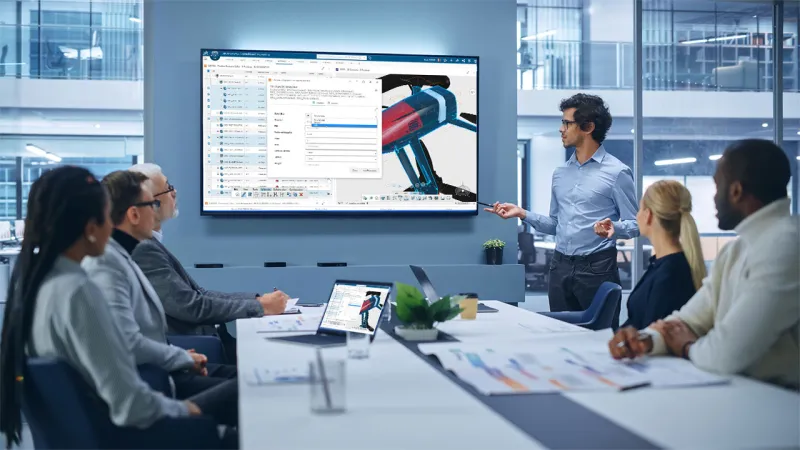
Onboarding
Each team learns the apps of its roles before go-live.

How an implementation runs
- 01
Scope
We map your teams, your data and the roles each person needs.
- 02
Set up
We prepare your cloud tenant or install the platform on your servers.
- 03
Configure
Members, roles, collaborative spaces and your processes go in.
- 04
Train
Each team learns the apps of its roles.
- 05
Go live
Your teams start work on the platform, with our team on hand.
Ready to plan your rollout? .

What you receive
- A running 3DEXPERIENCE platform, on the cloud or on your servers
- Members, roles and collaborative spaces set up for your teams
- Your processes configured on the platform
- Trained users in every team