Platform Services
Data Migration
Your CATIA V5 and file-based data, brought onto the 3DEXPERIENCE® platform.
What we cover
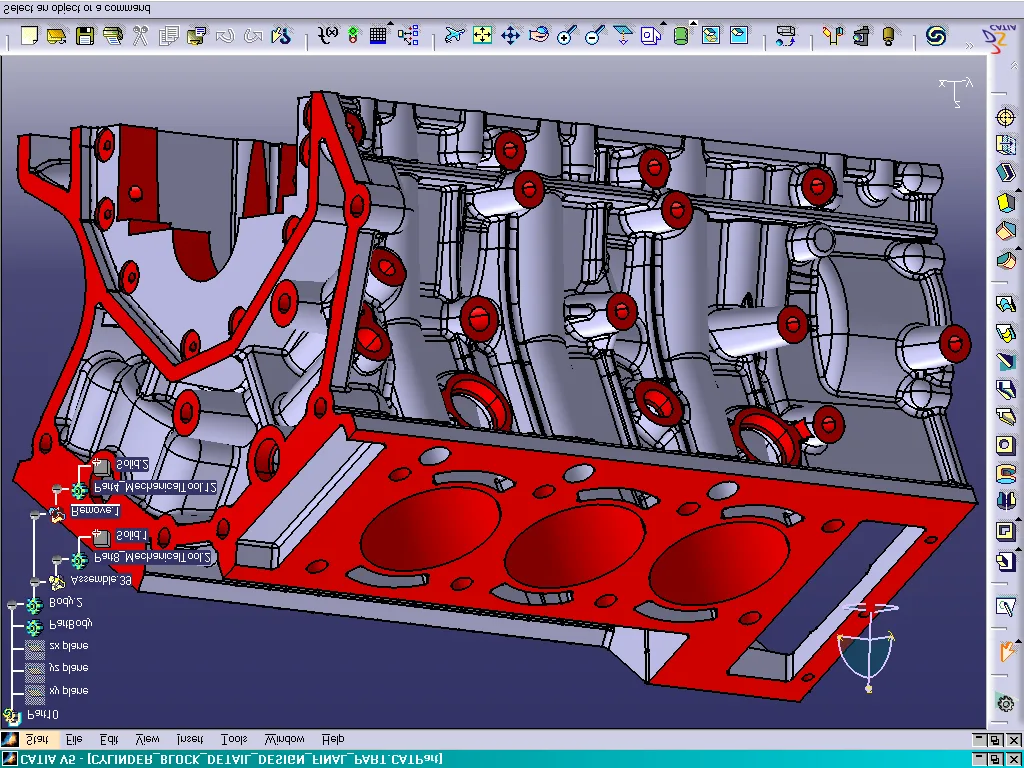
CATIA V5
Parts, products and drawings, managed on the platform through 3DEXPERIENCE Power’By.

File-based data
Files and their metadata from shared folders, mapped to the platform’s data model.
Revisions and links
Each part moves with its revisions and its links to assemblies and drawings.

How a migration runs
- 01
Inventory
We list what you hold. Files, revisions, metadata and the links between them.
- 02
Map
Part numbers, revisions, lifecycle states and attributes are matched to the 3DEXPERIENCE data model.
- 03
Trial run
A sample moves first, and your team checks it on the platform.
- 04
Migrate
The full set moves, in the order your projects need.
- 05
Verify
Counts and samples are checked against the source before sign-off.
Ready to plan your migration? .
What you receive
- Your data on the 3DEXPERIENCE platform, with its revisions and links
- A map of your attributes to the platform’s data model
- A trial migration your team has checked
- A report comparing the migrated data with the source