
CATIADesign and Engineering
CATIA Composer Essentials
This module will teach you how to work with a 3D model using CATIA Composer to capture its views, add annotations and change its rendering style. You will learn how to create technical illustrations, high resolution images and animations. You will also learn how to publish and share the content.
- Level
- Fundamental
- Length
- 20 hours
- Product
- CATIA Composer
- Delivery
- Instructor-led or eLearning
What you will learn
- Open and navigate a model using CATIA Composer
- Capture views of the model
- Enhance the model by adding annotations and changing its rendering
- Create technical illustrations
- Create high resolution images
- Create animations
- Publish and share the CATIA Composer content
Topics covered
- Module Introduction: CATIA Composer Essentials
- Getting Started with CATIA Composer1 hour 15 min
- Navigating the 3D Data1 hour 15 min
- Managing the Scene's Appearance2 hours 30 min
- Creating and Managing Technical Illustrations3 hours 30 min
- Managing High Resolution Images1 hour 30 min
- Creating Animations of a Model4 hours
- Creating and Managing Animations of an Assembly2 hours
- Managing and Updating the CAD Data2 hours 30 min
- Publishing and Sharing the Content1 hour 30 min
- Assessment: CATIA Composer Essentials
Prerequisites
Learners attending this module should be familiar with the Windows Operating System.
Related courses
Practice CATIA Mechanical Surface Refinement
3 hours 45 minView course
Practice CATIA Quality Rules Capture
4 hoursView course

Practice CATIA Live Rendering
8 hoursView course
Advanced Part Machining
12 hoursView course
Practice CATIA Weld Design
3 hours 45 minView course
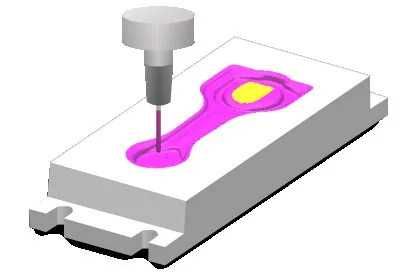
Surface Machining
16 hoursView course
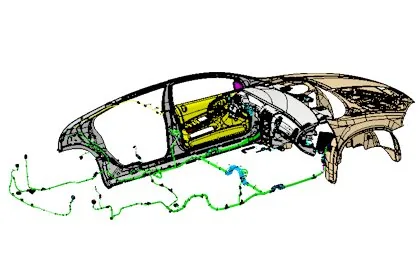
Electrical Librarian and Harness Installation
16 hoursView course
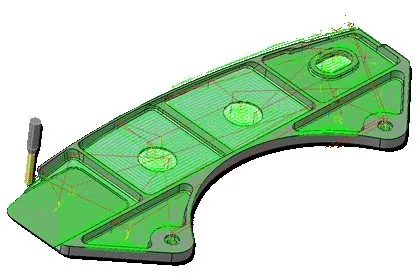
Numerical Control Infrastructure
16 hoursView course
