
CATIADesign and Engineering
Practice CATIA Weld Design
This module will teach you how to create a welded assembly. You will learn how to join parts using appropriate weld features and how to generate associative weld drawings and weld reports. This course will teach you how to define the welding resource in the Data Setup app and use it to create welds.
- Level
- Fundamental
- Length
- 3 hours 45 minutes
- Product
- 3DEXPERIENCE Platform
- Delivery
- Instructor-led or eLearning
What you will learn
- Define the welding resource
- Create and manage welded assemblies
- Generate weld reports
- Create welding drawings
Topics covered
- Getting Started with the Weld Design App45 min
- Creating a Welded Assembly1 hour
- Creating a Weld Assembly Drawing30 min
- Case Study: CPU Bracket30 min
- Master Exercise: Table Assembly1 hour
- Summary: CATIA Weld Design Essentials-
- Assessment: CATIA Weld Design Essentials-
Who it is for
Mechanical Designers and Structural Designers
Prerequisites
Students attending this learning module should have completed the Explore the 3DSwymer Role module and should be familiar with Assembly Design.
Software: 3DSwymer (IFW-OC), Collaborative Industry Innovator (CSV-OC), Mechanical Designer (MDG-OC)
Related courses

3DEXPERIENCE3DEXPERIENCE PlatformFundamental
Explore the 3DSwymer Role
1 hour 50 minutesView course
CATIA3DEXPERIENCE PlatformFundamental
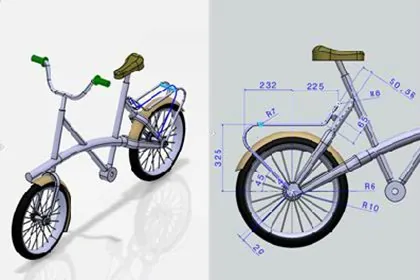
Practice CATIA 2D Layout for 3D Design
8 hoursView course
CATIA3DEXPERIENCE PlatformFundamental
Practice CATIA Natural Assembly
4 hoursView course
CATIA3DEXPERIENCE PlatformFundamental
Practice CATIA Natural Shape
7 hours 5 minutesView course
CATIA3DEXPERIENCE PlatformFundamental
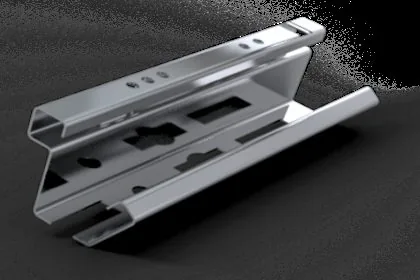
Practice CATIA Bent Part Design
6 hoursView course

CATIA3DEXPERIENCE PlatformAdvanced
Perform as a Mechanical Designer - Intermediate
32 hoursView course

CATIA3DEXPERIENCE PlatformFundamental
Practice CATIA 3D Printing Preparation
1 hours 55 minutesView course
CATIA3DEXPERIENCE PlatformFundamental
Practice CATIA Assembly Design - Added Exercises
6 hoursView course