
CATIADesign and Engineering
CATIA Mechanical Design Fundamentals
This course will teach you how to create simple parts, assemblies and drawings. You will learn how to use different feature-based tools to build, review and modify a model. You will also learn how to create and analyze assemblies and how to produce a drawing with different views. Finally, you will learn how to dimension the drawing and annotate the views.
- Level
- Fundamental
- Length
- 32 hours
- Product
- 3DEXPERIENCE Platform
- Delivery
- Instructor-led or eLearning
What you will learn
- Create a new PLM object
- Create and constrain 2D sketches
- Complete a 3D model using features
- Review and edit the features
- Create parameters and formulas in the 3D model
- Create a new product and add components to it
- Move the components within a product by positioning them using assembly constraints
- Create simple projection views and section views of 3D parts
- Position the views on a drawing sheet
- Add dimensions and annotations to the views
- Finalize the drawing sheet by adding borders and title blocks
Topics covered
- Course Requisites: CATIA Mechanical Design Fundamentals-
- Creating Profiles5 hour
- Creating Basic Features5 hour
- Reviewing and Modifying3 hour
- Finalizing Design3 hour
- Creating and Managing Products7 hour 30 min
- Creating Drawing5 hour 30 min
- Master Exercise: Mechanical Design Fundamentals3 hour
Who it is for
Mechanical and Sheet Metal Designers
Prerequisites
Students attending this course should have completed the Gateway to the 3DEXPERIENCE® platform course.
Related courses
CATIA3DEXPERIENCE PlatformFundamental
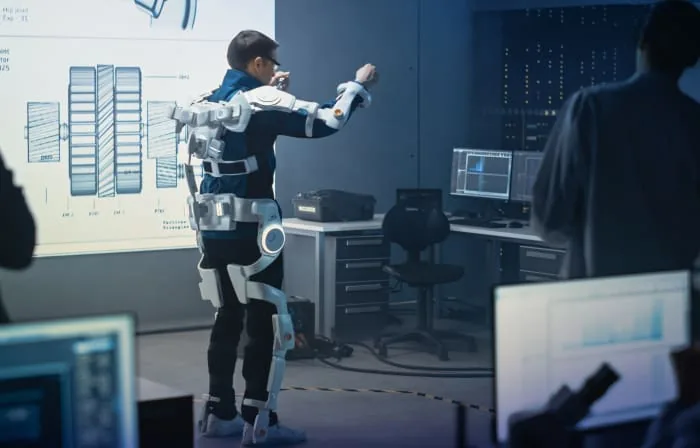
Practice CATIA Mechanical Systems Design
6 hoursView course

CATIA3DEXPERIENCE PlatformFundamental
Practice CATIA Generative Shape Design Essentials
7 hoursView course

CATIA3DEXPERIENCE PlatformAdvanced
Perform as a Mechanical Designer - Intermediate
32 hoursView course
CATIA3DEXPERIENCE PlatformFundamental
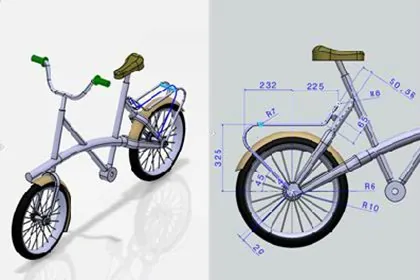
Practice CATIA 2D Layout for 3D Design
8 hoursView course
CATIA3DEXPERIENCE PlatformFundamental
Practice CATIA Structure Functional Design
12 hoursView course
CATIA3DEXPERIENCE PlatformFundamental
Perform as a Motion Designer
22 hoursView course
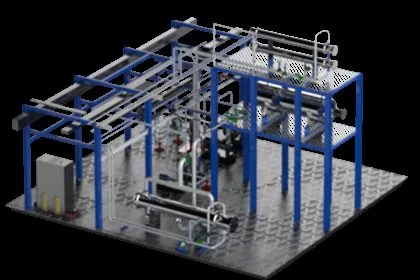
CATIA3DEXPERIENCE PlatformFundamental
Practice CATIA Piping and Tubing Setup
24 hoursView course
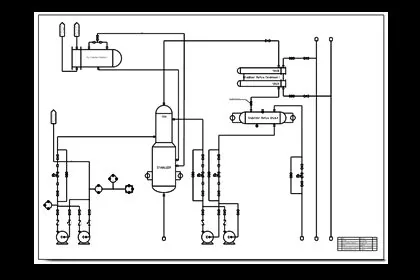
CATIA3DEXPERIENCE PlatformFundamental
Practice CATIA Piping and Tubing Systems Design
4 hours 30 minutesView course