
CATIADesign and Engineering
Perform as a Systems Simulation Engineer with Dymola - Intermediate
The intermediate-level learning path is designed for System Simulation Engineers using Dymola, where you will learn to create scripts and functions in Dymola. You will also learn to export Dymola models using co-simulation standards.
- Level
- Advanced
- Length
- 4 hours 10 min
- Product
- CATIA Dymola
- Delivery
- Instructor-led or eLearning
What you will learn
On completion of this learning path, you will be able to:
- Explore Modelica functions and add commands
- Create script and simulate Modelica model
- Attach script and function to Command
- Differentiate between Model exchange FMU and Co-simulation FMU
- Implement FMI and SSP standards using Dymola
- Discover FMPy library
Topics covered
- Practice Scripting for CATIA Dymola1 hour 10 min
- Practice Standards for Co-Simulation Using Dymola3 hours
Prerequisites
Learners taking this learning path should have completed the Perform as a Systems Simulation Engineer with Dymola - Beginner learning path and should be familiar with the basics of Python language.
Related courses
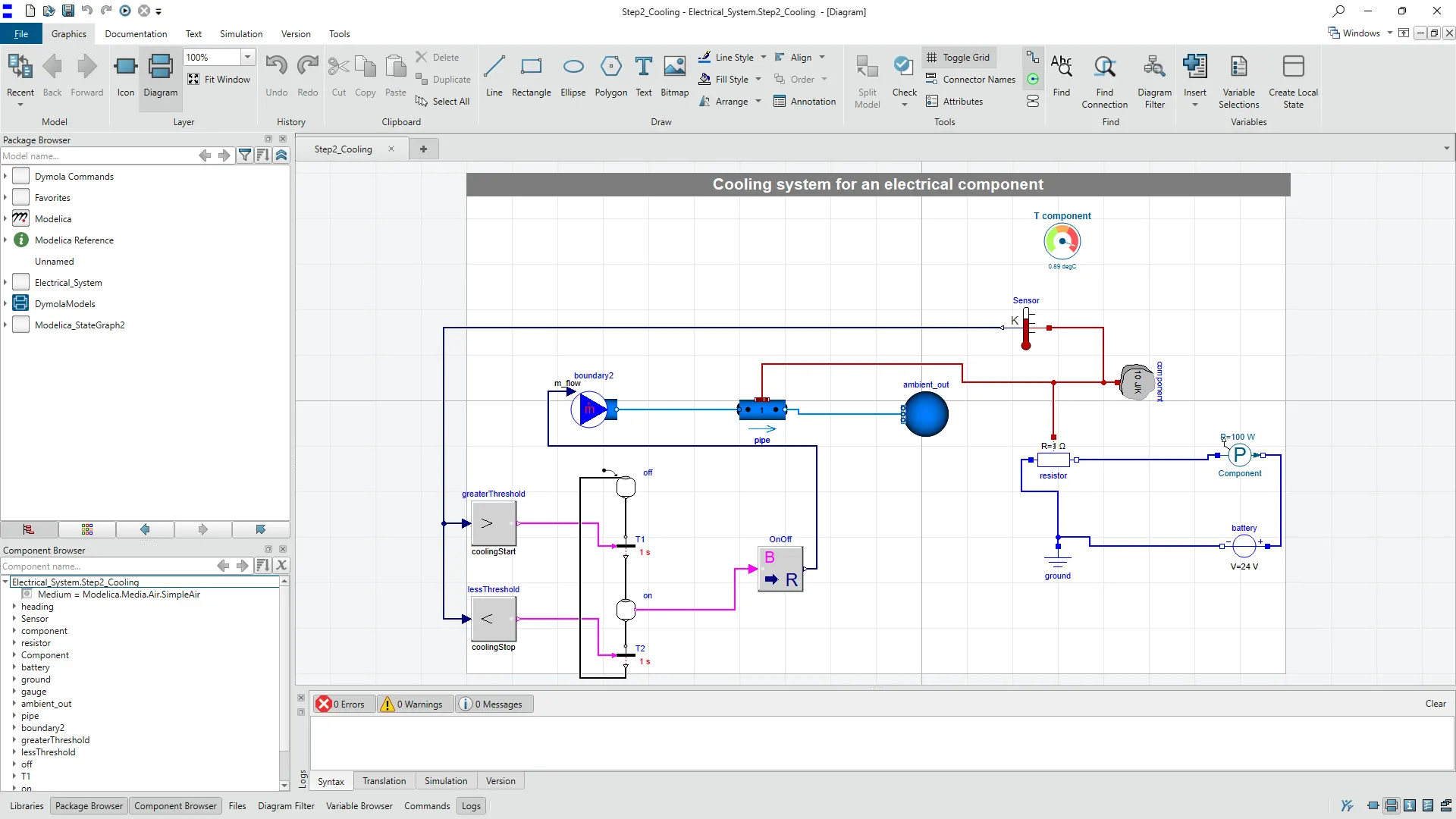
Perform as a Systems Simulation Engineer with Dymola - Beginner
6 hours 50 minView course
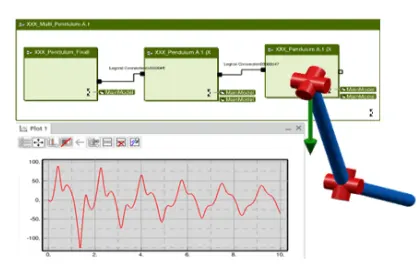
Perform as a Systems Simulation Engineer with Dymola Behavior Modeling - Intermediate
13 hoursView course
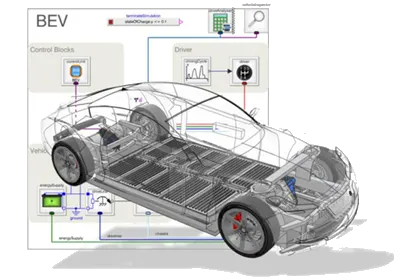
Perform as a Systems Simulation Engineer with Dymola Behavior Modeling - Beginner
4 hoursView course
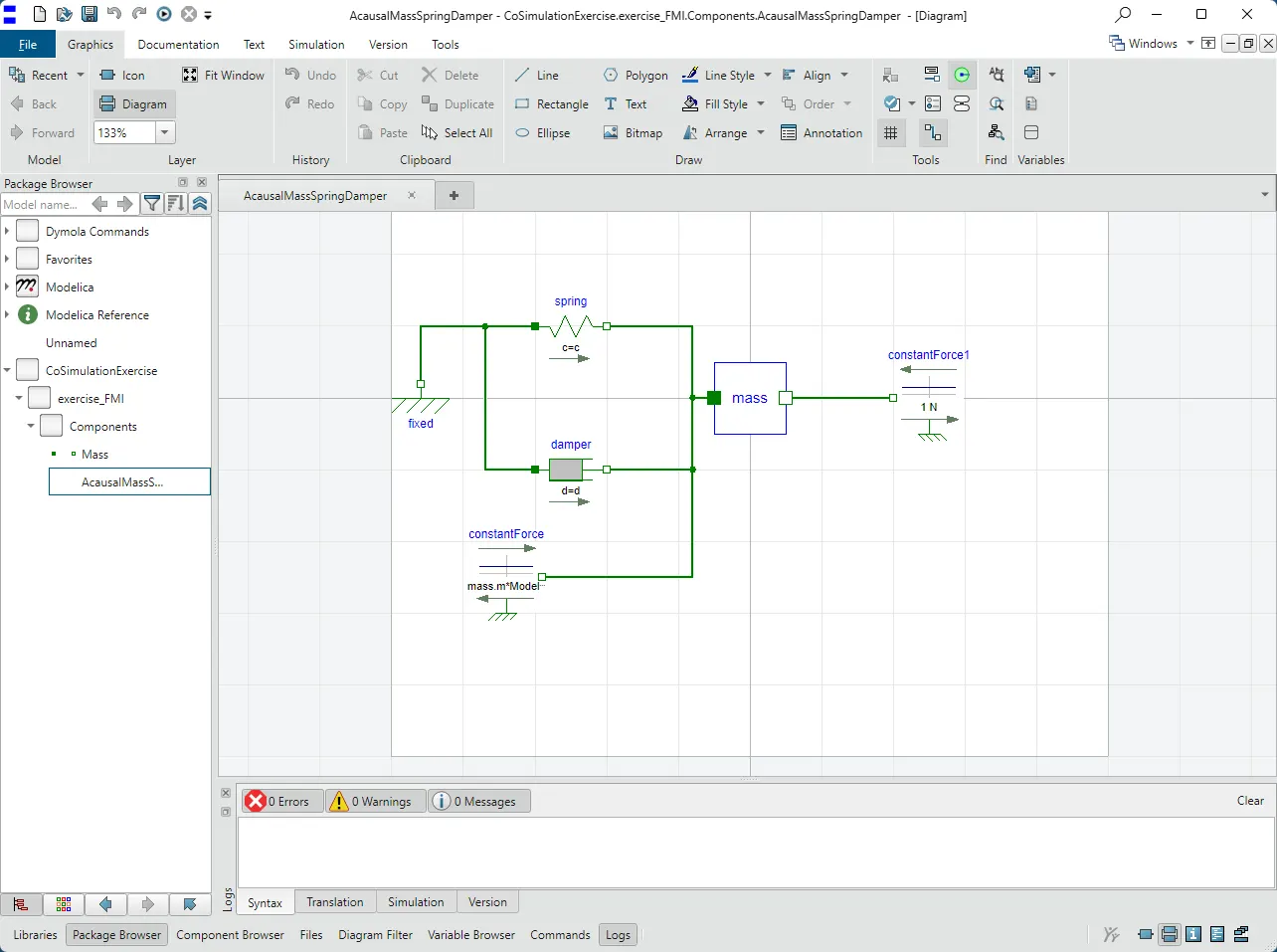
Practice Standards for Co-Simulation Using Dymola
3 hoursView course
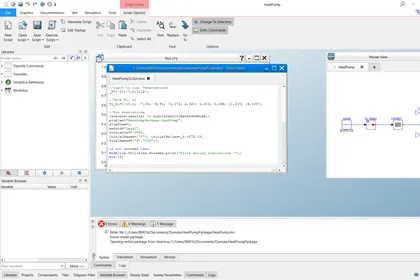
Practice Scripting for CATIA Dymola
1 hour 10 minView course
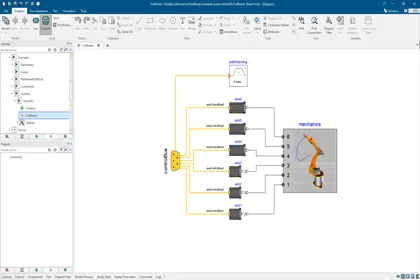
Introduction to CATIA Dymola for Systems Modeling
2 hoursView course
Perform as a Mechanical Optimization Simulation Engineer - Intermediate
10 hoursView course
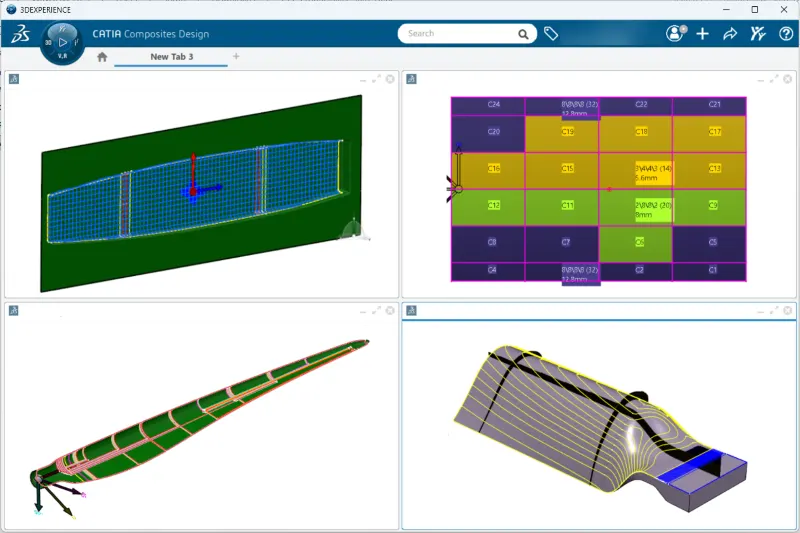
Perform as a Composites Design Engineer - Intermediate
37 hours 30 minView course
