
CATIADesign and Engineering
Practice Scripting for CATIA Dymola
In this module, you will learn to create scripts and functions in CATIA Dymola.
- Level
- Fundamental
- Length
- 1 hour 10 min
- Product
- CATIA Dymola
- Delivery
- Instructor-led or eLearning
What you will learn
- Explore Modelica functions and Add commands
- Create script and simulate Modelica model
- Attach script and function to Command
Topics covered
- Overview of Scripting for CATIA Dymola10 min
- Create Modelica Model and Add Post-Processing Commands30 min
- Create Script30 min
Prerequisites
Learners attending this module should have completed the Introduction to CATIA Dymola for Systems Modeling module.
Related courses
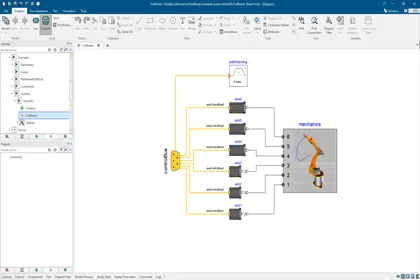
Introduction to CATIA Dymola for Systems Modeling
2 hoursView course
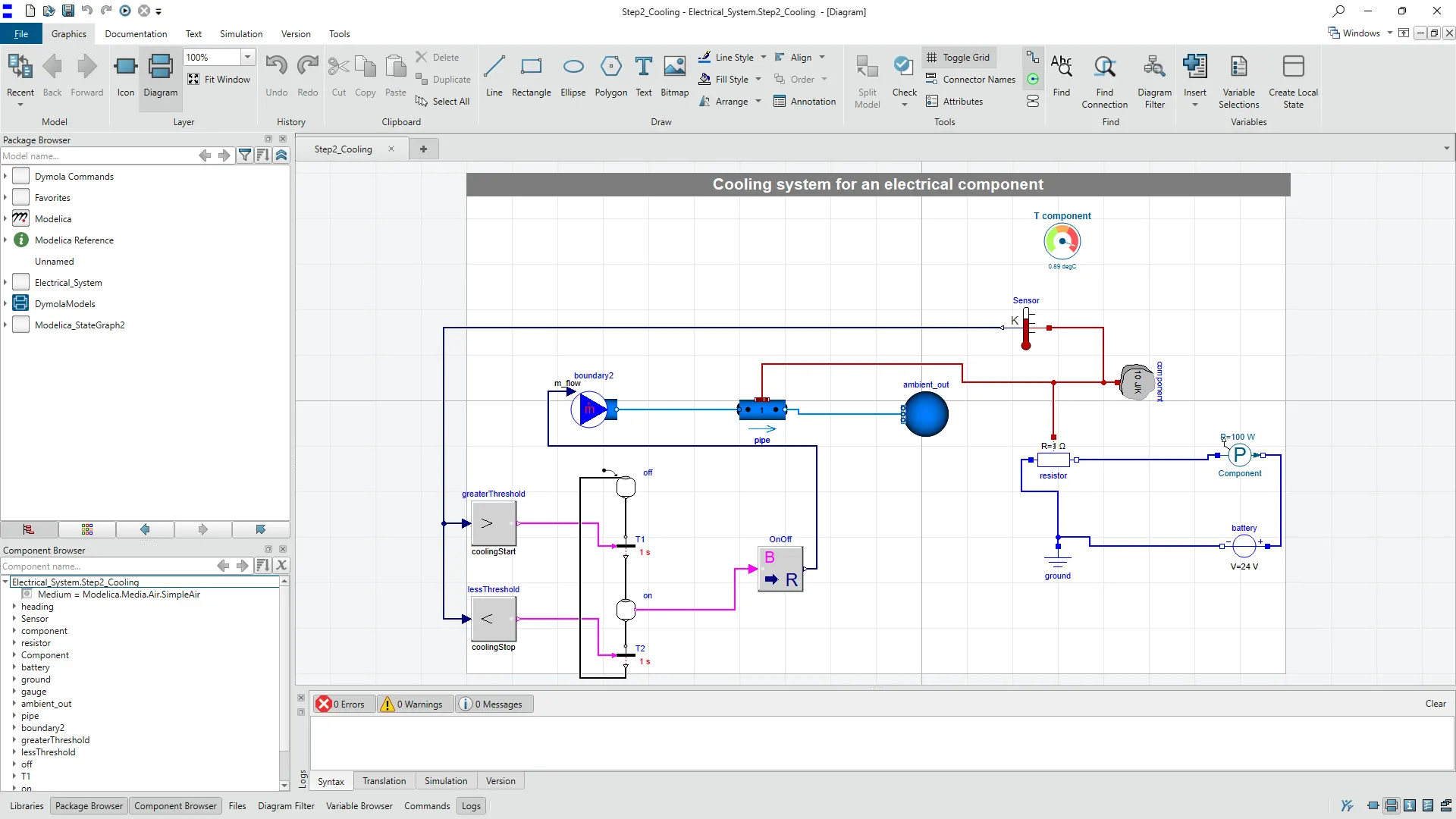
Perform as a Systems Simulation Engineer with Dymola - Beginner
6 hours 50 minView course
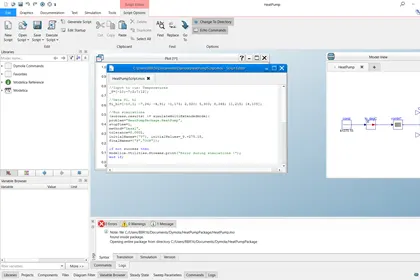
Perform as a Systems Simulation Engineer with Dymola - Intermediate
4 hours 10 minView course
Introduction to Modelica Language and Modelica Libraries
4 hours 20 minView course
Perform as a Systems Simulation Engineer with Dymola Behavior Modeling - Beginner
4 hoursView course
Practice Standards for Co-Simulation Using Dymola
3 hoursView course
Perform as a Systems Simulation Engineer with Dymola Behavior Modeling - Intermediate
13 hoursView course
CATIA V5 Analysis
12 hoursView course
