
CATIADesign and Engineering
Practice CATIA Engineering Rules Capture
In this module, you will learn how to embed knowledge within a 3D assembly model and leverage it to automate design modifications and reduce errors.
- Level
- Fundamental
- Length
- 4 hours
- Product
- 3DEXPERIENCE Platform
- Delivery
- Instructor-led or eLearning
What you will learn
- Create parametric models
- Embed your design knowledge in the models
- Automate the design and modification processes
- Create design configurations using design tables
- Customize the specification tree to display knowledgeware features
Topics covered
- Overview of the Engineering Rules Capture app20 min
- Create Driving Parameters & Formulas45 min
- Add Product Variants and Create Resources Table50 min
- Automate Design Changes and Validations1 hour 15 min
- Add the Generic Conveyor to the New Content Menu45 min
Who it is for
Mechanical Designers
Prerequisites
Learners pursuing this learning module should have completed the Explore the 3DSwymer Role and the 3DEXPERIENCE® Platform Essentials for CAD Users modules. They should be familiar with the fundamentals of 3D design.
Software: 3DSwymer (IFW-OC), Collaborative Industry Innovator (CSV-OC), Mechanical Designer (MDG-OC) and Templates & Rules Designer (TER-OC)
Related courses

3DEXPERIENCE® Platform Essentials for CAD Users
1 hourView course

Explore the 3DSwymer Role
1 hour 50 minView course
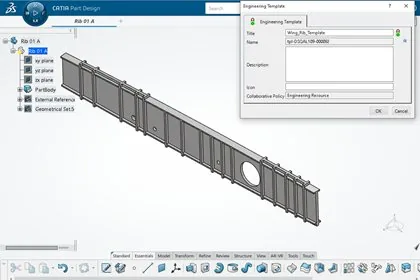
Practice CATIA Engineering Templates
2 hours 5 minView course
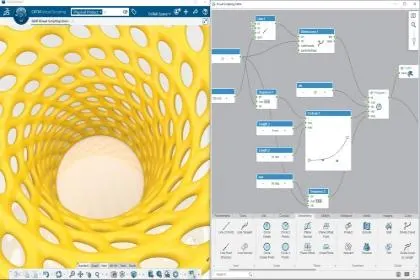
Practice CATIA Visual Scripting
6 hoursView course
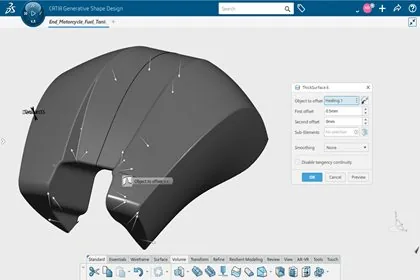
Practice CATIA Generative Shape Design
6 hoursView course

Practice CATIA Generative Shape Design Essentials
7 hoursView course
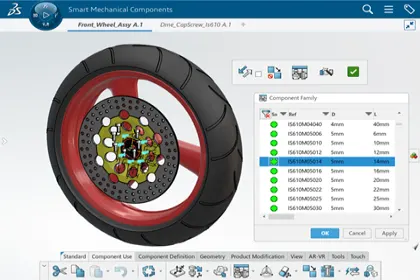
Practice CATIA Smart Mechanical Components
3 hours 20 minView course

Practice CATIA Mechanical Systems Design
6 hoursView course
