
CATIADesign and Engineering
Practice CATIA Fastening
This module will teach you how to create various types of fastener references using the Fastening app. You will learn how to instantiate these references in the assembly context. You will also learn how to review, modify and check the fastener instances. Finally, you will learn how to generate the drawing and the fastener report.
- Level
- Fundamental
- Length
- 8 hours
- Product
- 3DEXPERIENCE Platform
- Delivery
- Instructor-led or eLearning
What you will learn
- Prepare a fastening assembly
- Create a fastener reference
- Instantiate the fastener references
- Modify the fastener instances
- Review and check the fasteners
- Generate drawings and reports
Topics covered
- Introduction to Fasteners30 min
- Creating Different Types of Fastener References1 hour
- Creating New Welds1 hour 30 min
- Creating Variants Configurations and Fasteners1 hour 30 min
- Finalizing the Design and Generating Reports1 hour 30 min
- Master Project: Body-In-White Fastener2 hours
Prerequisites
Students attending this course should have completed the Gateway to the 3DSwymer course. Additionally, they should be familiar with the fundamentals of CATIA Mechanical.
Related courses
Practice CATIA Structure Functional Design
12 hoursView course
Practice CATIA 2D Layout for 3D Design
8 hoursView course
Practice CATIA Structure Design
15 hours 30 minView course
CATIA Mechanical Design Fundamentals
32 hoursView course
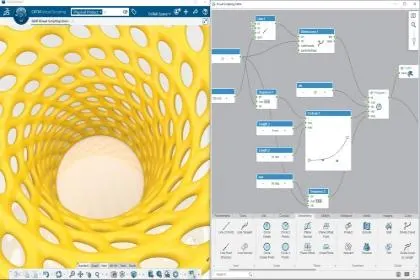
Practice CATIA Visual Scripting
6 hoursView course

Practice CATIA Generative Shape Design Essentials
7 hoursView course
Transition to the 3DEXPERIENCE® platform for Surface Designers
6 hours 45 minView course
Practice CATIA Mechanical Systems Experience
9 hoursView course
