
SIMULIASimulation
Substructures and Submodeling with Abaqus
The size and complexity of designs that are analyzed and tested with Abaqus continues to grow. Substructures and submodeling are two effective techniques that allow the analyst to study problems that are too large to simulate with a conventional modeling approach. Substructures are useful to break a large problem into several smaller components. Submodeling allows the analysts to successively focus in on the area of interest.
- Level
- Advanced
- Length
- 15 hours 35 minutes
- Product
- Abaqus
- Delivery
- Instructor-led or eLearning
What you will learn
- Understand the difference between substructuring and submodeling
- Build, translate, rotate and reflect substructures
- Build preloads into substructures
- Design meshes for submodel analysis
- Perform solid-to-solid, shell-to-shell, and shell-to solid submodeling
Topics covered
- Overview - Substructures and Submodeling with Abaqus10 min
- 1 - Introduction to Substructures30 min
- 2 - Using Static Substructuring in Abaqus1 hour
- 3 - Linear Perturbations about a Preloaded State30 min
- 4 - Dynamics with Substructuring45 min
- 5 - Substructure Output45 min
- 6 - Substructuring Examples3 hour
- 7 - Using Substructures with Abaqus Explicit2 hour
- 8 - Introduction to Submodeling15 min
- 9 - Submodeling in Abaqus30 min
- 10 - Surface-based Submodeling2 hour 30 min
- 11 - Node-based Submodeling2 hour
- 12 - General Submodeling20 min
- 13 - Submodeling Practices1 hour
- 14 - Limitations of Submodeling15 min
- A1 - Theory of Substructures-
Who it is for
Simulation Analysts
Prerequisites
Introduction to Abaqus or equivalent and experience using Abaqus.
Related courses
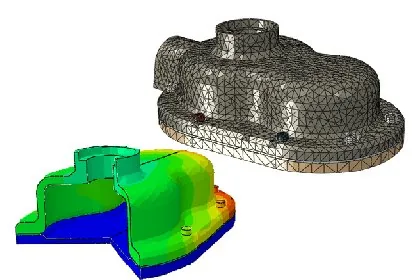
SIMULIAAbaqusFundamental
Introduction to Abaqus
27 hours 15 minutesView course
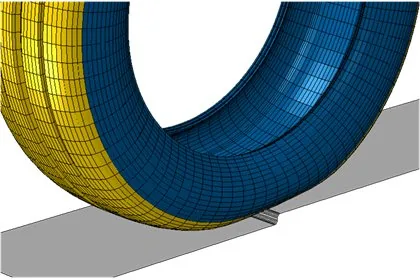
SIMULIAAbaqusAdvanced
Tire Analysis with Abaqus: Advanced Topics
8 hours 15 minutesView course

SIMULIA3DEXPERIENCE PlatformAdvanced
Structural Simulation: Linear Dynamics
9 hours 15 minutesView course
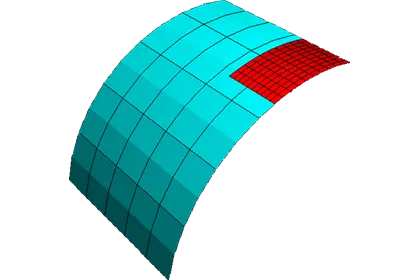
SIMULIA3DEXPERIENCE PlatformAdvanced
Structural Simulation: Substructures and Submodeling
4 hours 15 minutesView course
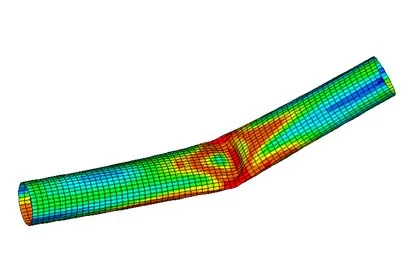
SIMULIAAbaqusAdvanced
Buckling, Postbuckling and Collapse Analysis
16 hours 15 minutesView course
SIMULIAAbaqusAdvanced
Linear Dynamics with Abaqus
16 hours 25 minutesView course
SIMULIAAbaqusAdvanced
Automotive NVH with Abaqus
20 hoursView course
SIMULIAAbaqusAdvanced
Modeling Fracture and Failure with Abaqus
20 hours 15 minutesView course