
CATIADesign and Engineering
CATIA Generative Drafting Fundamentals (ANSI)
This course will teach you how to use the Drafting workbench of CATIA V5 to create drawings. You will learn how to produce a drawing of a 3D model by creating projection and section views, and how to add dimensions to it
- Level
- Fundamental
- Length
- 8 hours 10 minutes
- Product
- CATIA V5
- Delivery
- Instructor-led or eLearning
What you will learn
- Create simple projection views and section views of 3D parts
- Position the views on a drawing sheet
- Add dimensions to the views
- Manage the graphic properties of the drawing sheet
- Finalize the drawing sheet by adding a title block
Topics covered
- Introduction to the Drafting Workbench30 min
- Generating Basic Views1 hour 30 min
- Generating Additional Views1 hour 10 min
- Editing and Modifying Views40 min
- Dimensioning Views1 hour 20 min
- Finalizing and Printing Drawings50 min
- Master Exercise: Connector Housing1 hour
- Master Exercise: Create an Assembly Drawing of a Drill Machine1 hour
- Assessment: CATIA Generative Drafting Fundamentals (ANSI)10 min
Who it is for
Draftsmen
Prerequisites
Learners attending this course should be familiar with the basics of CATIA V5.
Software: Mechanical Design Configuration 2
Related courses
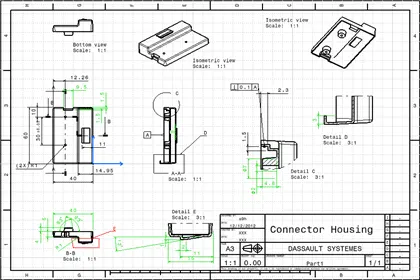
CATIACATIA V5Fundamental
CATIA Generative Drafting Fundamentals (ISO)
8 hours 20 minutesView course
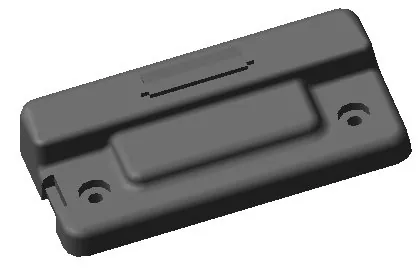
CATIACATIA V5Fundamental
CATIA Part Design
11 hours 15 minutesView course

CATIACATIA V5Fundamental
CATIA PLM Express Fundamentals - Basic Surface
44 hoursView course
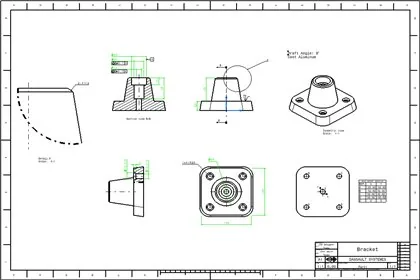
CATIACATIA V5Fundamental
CATIA Detail Drafting
15 hours 30 minutesView course
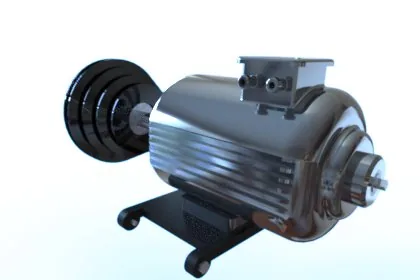
CATIACATIA V5Fundamental
CATIA V5 Fundamentals
42 hoursView course
CATIACATIA V5Fundamental
CATIA Product Design Added Exercises
8 hoursView course

CATIACATIA V5Fundamental
CATIA Imagine and Shape
12 hoursView course

CATIACATIA V5Fundamental
CATIA PLM Express Fundamentals
40 hoursView course