
CATIADesign and Engineering
CATIA Generative Drafting Fundamentals (ISO)
This course will teach you how to use the Drafting workbench of CATIA V5 to create drawings. You will learn how to produce a drawing of a 3D model by creating projection and section views, and how to add dimensions to it
- Level
- Fundamental
- Length
- 8 hours 20 min
- Product
- CATIA V5
- Delivery
- Instructor-led or eLearning
What you will learn
- Create simple projection and section views of 3D parts
- Position the views on a drawing sheet
- Add dimensions to the views
- Finalize the drawing sheet by adding a title block
Topics covered
- Introduction to the Drafting Workbench30 min
- Generating Basic Views1 hour 30 min
- Generating Additional Views1 hour 10 min
- Editing and Modifying Views40 min
- Dimensioning Views1 hour 30 min
- Finalizing and Printing Drawings50 min
- Master Exercise: Connector Housing1 hour
- Master Exercise: Assembly Drawing of a Drill Machine1 hour
- Assessment: CATIA Generative Drafting Fundamentals (ISO)10 min
Prerequisites
Learners attending this course should be familiar with the basics of CATIA V5.
Related courses
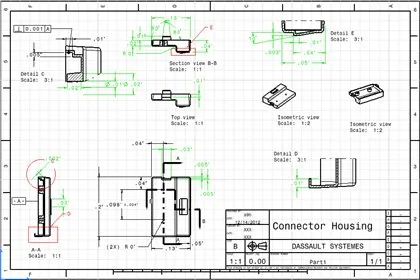
CATIA Generative Drafting Fundamentals (ANSI)
8 hours 10 minView course
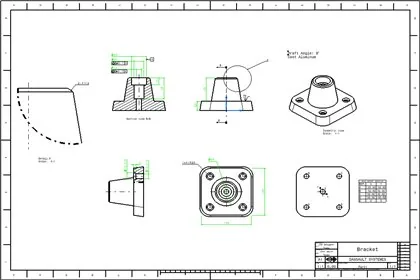
CATIA Detail Drafting
15 hours 30 minView course

CATIA PLM Express Fundamentals - Basic Surface
44 hoursView course
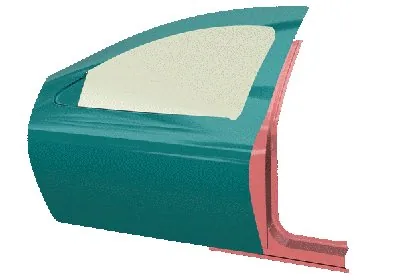
CATIA V5 Foundations for Body Designers
51 hours 10 minView course
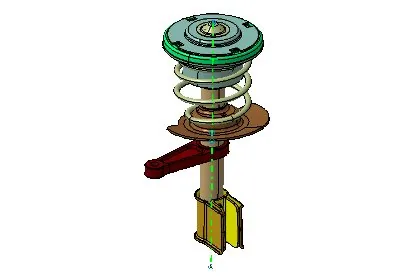
CATIA V5 Foundations for Chassis Designers
59 hours 30 minView course
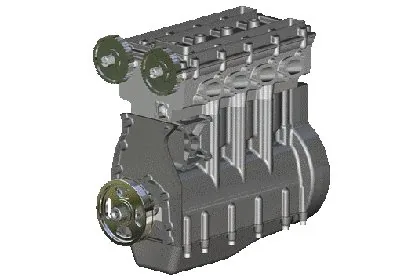
CATIA V5 Foundations for Powertrain Designers
56 hoursView course
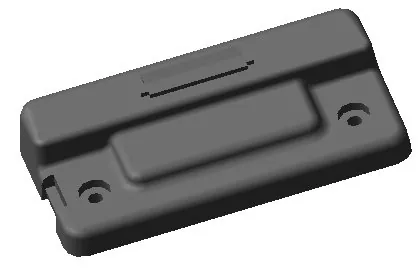
CATIA Part Design
11 hours 15 minView course
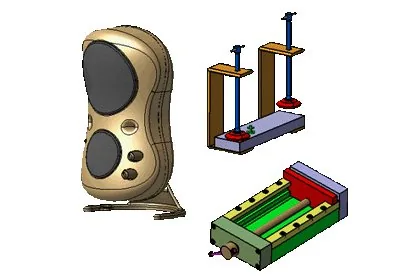
CATIA Product Design Added Exercises
8 hoursView course
