
CATIADesign and Engineering
FEM Surface
This course will teach you how to create and edit meshes using Beam Mesher, OCTREE Triangular Mesher, Surface Mesher and Advanced Surface Mesher. You will learn how to create meshes from existing meshes using mesh transformations. You will also learn how to create different types of Welding Meshes. This course will teach you how to make use of knowledgeware parameters while creating Surface Meshes. Additionally, you will learn how to analyze the mesh quality using the available mesh quality checks.
- Level
- Fundamental
- Length
- 16 hours
- Product
- CATIA V5
- Delivery
- Instructor-led or eLearning
What you will learn
- Use the various Meshers such as Surface Mesher, Advanced Surface Mesher, Beam Mesher, and OCTREE Triangle Mesher
- Create a new mesh using existing mesh with the help of mesh transformation tools and mesh operators
- Edit the mesh using the mesh edition tools available within the above mentioned meshers
- Analyze the mesh quality using mesh quality checks and tools like Free Edges, Duplicate Elements, Duplicate Nodes, Mesh Interference Checks, etc.
Who it is for
Mechanical Designers
Related courses

CATIACATIA V5Fundamental
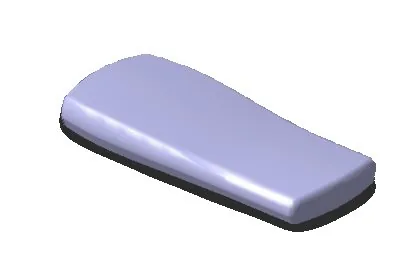
CATIA PLM Express Fundamentals - Basic Surface
44 hoursView course
CATIACATIA V5Fundamental
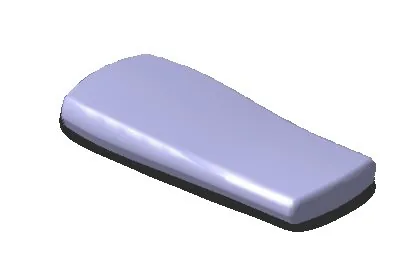
CATIA Surface Design
15 hours 45 minutesView course
CATIACATIA V5Fundamental
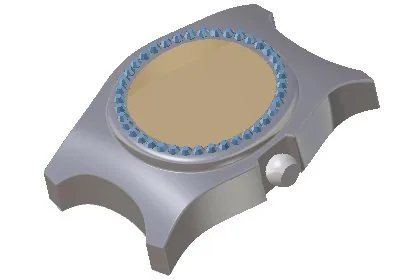
CATIA Surface Design Added Exercises
8 hoursView course
CATIACATIA V5Fundamental
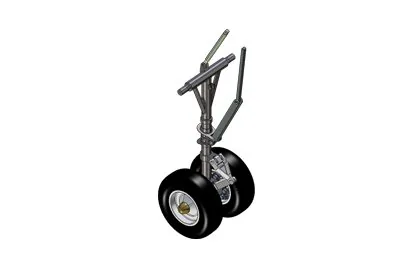
CATIA V5 for Surfaces
24 hoursView course
CATIACATIA V5Fundamental
CATIA V5 Foundations for Aerospace Part Designers
36 hoursView course

CATIACATIA V5Fundamental
FEM Solid
4 hoursView course
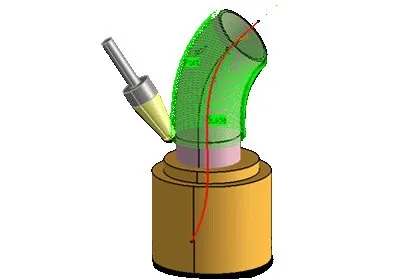
CATIACATIA V5Fundamental
Multi-Axis Surface Machining
8 hoursView course
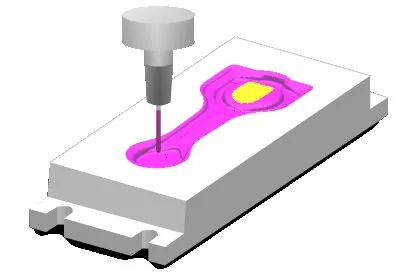
CATIACATIA V5Fundamental
Surface Machining
16 hoursView course