
CATIADesign and Engineering
Practice CATIA Drafting
In this module, you will learn to create drawings using the Drafting app. You will also learn to create and manage views of a 3D model or an assembly and add the required dimensions. Similarly, you will learn to manage drawing sheets and create BOM.
- Level
- Fundamental
- Length
- 4 hours 30 min
- Product
- 3DEXPERIENCE Platform
- Delivery
- Instructor-led or eLearning
What you will learn
- Create views of 3D products
- Add dimensions and annotations to the views
- Finalize the drawing sheets
- Customize the Drafting app preferences
- Perform administrative tasks
- Add bill of material
Topics covered
- Overview of the CATIA Drafting app20 min
- Create Drawing Views50 min
- Add Dimensions and Annotations1 hour
- Create Assembly Drawings1 hour
- Customize the Drafting app40 min
Prerequisites
Learners pursuing this learning module should have completed the Explore the 3DSwymer Role and the 3DEXPERIENCE® Platform Essentials for CAD Users modules. Additionally, they should be familiar with CATIA Part Design and Assembly Design fundamentals.
Related courses
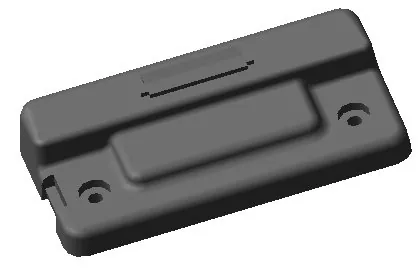
CATIA Part Design
11 hours 15 minView course

3DEXPERIENCE® Platform Essentials for CAD Users
1 hourView course

Explore the 3DSwymer Role
1 hour 50 minView course
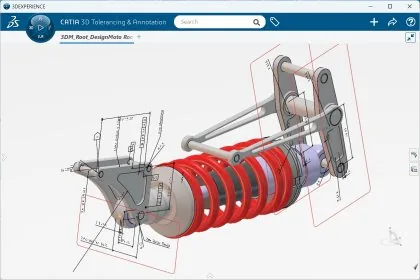
Practice CATIA 3D Tolerancing and Annotation
8 hours 30 minView course
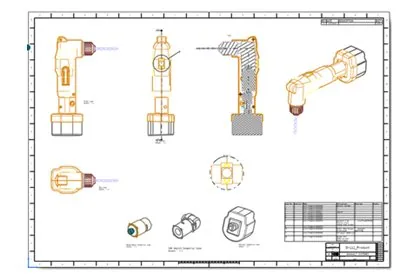
Master CATIA Drafting
12 hoursView course
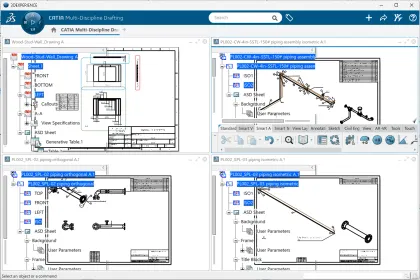
Practice CATIA Multi-Discipline Drafting for Construction
5 hoursView course
Practice CATIA 3D Annotation Insight
4 hoursView course
Practice CATIA Engineering Rules Capture
4 hoursView course
