
CATIADesign and Engineering
Practice CATIA 3D Annotation Insight
In this module, you will learn how to use the 3D Annotation Insight app to review and filter 3D annotations information contained within part and assembly documents. You will also learn how to hide / show annotations and captures, use the dimensioning and tolerancing annotations to enhance understanding and improve the decision making.
- Level
- Fundamental
- Length
- 4 hours
- Product
- 3DEXPERIENCE Platform
- Delivery
- Instructor-led or eLearning
What you will learn
- Access and visualize the view, capture and annotation review features
- Query and filter 3D annotations
- Show/Hide individual as well as all annotations of a given type
- Display FTA captures
- Remove the FTA clipping plane of a capture
- Filter 3D annotations
Topics covered
- Introduction to the 3D Annotation Insight App30 min
- Visualizing the FTA Features45 min
- Displaying the FTA Captures30 min
- Filtering and Browsing the 3D Annotations1 hour
- Master Exercise: View Annotations for Assembly and Part1 hour
- Assessment: CATIA 3D Annotation Insight Essentials15 min
Who it is for
Design, Quality and other such departments where interrogating and annotating the 3D model is a frequent or occasional requirement.
Prerequisites
Learners attending this learning module should have completed the Explore the 3DSwymer Role and the 3DEXPERIENCE® Platform Essentials for CAD Users modules.
Software: 3D Swymer (IFW_OC), Collaborative Industry Innovator (CSV_OC) and 3D Tolerancing & Annotation Designer (TAD_OC)
Related courses

3DEXPERIENCE3DEXPERIENCE PlatformFundamental
3DEXPERIENCE® Platform Essentials for CAD Users
1 hourView course

3DEXPERIENCE3DEXPERIENCE PlatformFundamental
Explore the 3DSwymer Role
1 hour 50 minutesView course
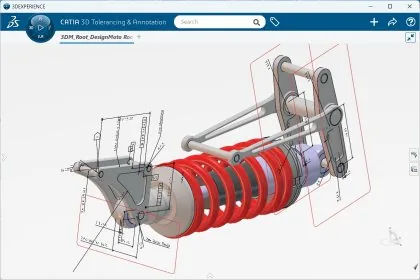
CATIA3DEXPERIENCE PlatformFundamental
Practice CATIA 3D Tolerancing and Annotation
8 hours 30 minutesView course
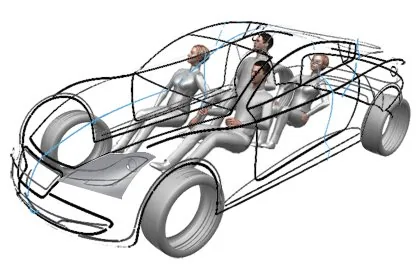
CATIA3DEXPERIENCE PlatformFundamental
Practice CATIA Natural Sketch
7 hoursView course
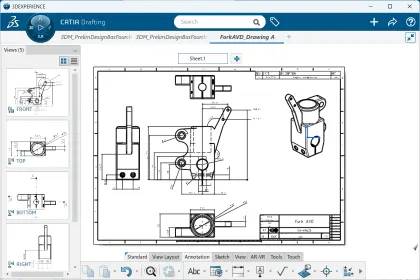
CATIA3DEXPERIENCE PlatformFundamental
Practice CATIA Drafting
4 hours 30 minutesView course
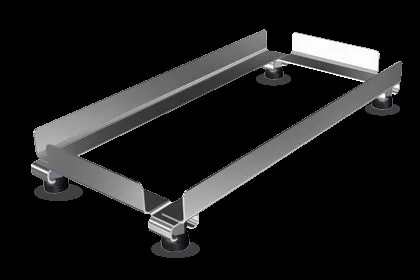
CATIA3DEXPERIENCE PlatformFundamental
Practice CATIA Weld Design
3 hours 45 minutesView course
CATIA3DEXPERIENCE PlatformFundamental
Practice CATIA 2D Layout for 3D Design
8 hoursView course

CATIA3DEXPERIENCE PlatformFundamental
Practice CATIA Natural Assembly
4 hoursView course