
CATIADesign and Engineering
Practice CATIA Natural Shape
This module will introduce you to the CATIA Natural Shape app and its unique working environment. You will learn how to use the app to conceptualize, create and modify mechanical parts and shapes. The course features short-duration demos followed by exercises which will allow you to practice. You will also learn the related theory, tips and recommendations while performing the exercises.
- Level
- Fundamental
- Length
- 7 hours 5 minutes
- Product
- 3DEXPERIENCE Platform
- Delivery
- Instructor-led or eLearning
What you will learn
- Create a conceptual design directly in 3D
- Use the hybrid design environment to conceptualize your designs
- Work on the structure to create the 3D parts
- Navigate through the structure and position the parts
- Reuse the existing designs in the 3D models
Topics covered
- Video: Natural Shapes Essentials Overview5 min
- Getting Started with CATIA Natural Shape30 min
- Creating the Projector Body45 min
- Creating the Lens System2 hour
- Creating the Projector Stand45 min
- Creating the Connector Interface50 min
- Working on the Projector Structure40 min
- Recommendations for CATIA Natural Shape App30 min
- Master Exercise: Fuel Tank Design1 hour
- Summary: CATIA Natural Shape-
- Assessment: CATIA Natural Shape-
Who it is for
Conceptual Designers, Stylists, Simulation and Manufacturing Engineers
Prerequisites
Learners attending this learning module should have completed the Explore the 3DSwymer Role module.
Software: 3DSwymer (IFW-OC), Collaborative Industry Innovator (CSV-OC), Mechanical Designer (MDG-OC)
Related courses

3DEXPERIENCE3DEXPERIENCE PlatformFundamental
Explore the 3DSwymer Role
1 hour 50 minutesView course

CATIA3DEXPERIENCE PlatformFundamental
Practice CATIA Shape Healing
6 hours 30 minutesView course

CATIA3DEXPERIENCE PlatformFundamental
Practice CATIA Generative Shape Design Essentials
7 hoursView course
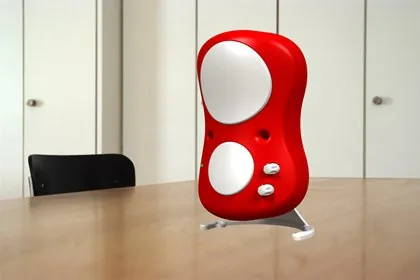
CATIA3DEXPERIENCE PlatformFundamental
Practice CATIA Natural Assembly
4 hoursView course
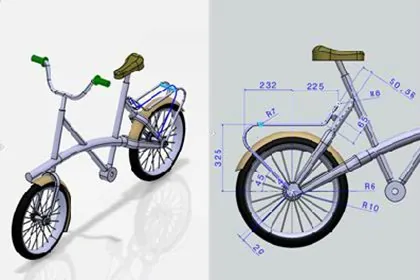
CATIA3DEXPERIENCE PlatformFundamental
Practice CATIA 2D Layout for 3D Design
8 hoursView course
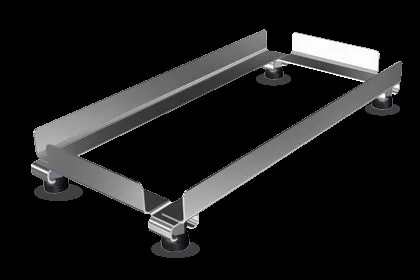
CATIA3DEXPERIENCE PlatformFundamental
Practice CATIA Weld Design
3 hours 45 minutesView course

CATIA3DEXPERIENCE PlatformFundamental
Practice CATIA 3D Printing Preparation
1 hours 55 minutesView course

CATIA3DEXPERIENCE PlatformFundamental
Practice CATIA Generative Shape Develop
1 hour 50 minutesView course