
SIMULIASimulation
Simpack Contact Mechanics
This course explains the usage of Simpack’s modeling elements for contact mechanics and features that optimize the Simpack solver for generic contact simulations.
- Level
- Advanced
- Length
- 7 hours 10 minutes
- Product
- Simpack
- Delivery
- Instructor-led or eLearning
What you will learn
- Use Simpack’s modeling elements for contact mechanics and features
- Optimize the Simpack solver for generic contact simulations
- Have an overview on contact models and methods in Simpack
- Model single-point contact search with Moved Markers
- Model generic 2D and 3D Multi-point contact methods
- Model contact force calculation on rigid and flexible bodies
- Perform a minimum distance measurement between arbitrary surfaces
- Model examples of rigid and flexible body contact
Topics covered
- Overview - Simpack Contact Mechanics10 min
- 1 - Contact Modeling Overview30 min
- 2 - Single Point Contact Methods4 hour 5 min
- 3 - Multi-Point Contact Methods2 hour 10 min
- 4 - Contact Element Selection20 min
Who it is for
Multibody simulation engineers involved in contact mechanics simulation
Prerequisites
Before undertaking this course, you should have completed the Introduction to Simpack training course.
Related courses
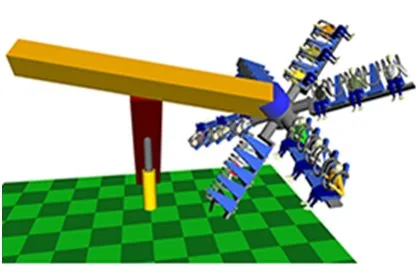
SIMULIASimpackFundamental
Introduction to Simpack
13 hours 50 minutesView course
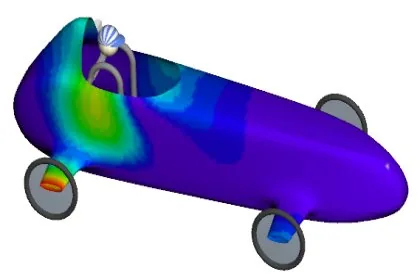
SIMULIASimpackAdvanced
Simpack Flexible Bodies
16 hoursView course

SIMULIASimpackAdvanced
Simpack User Routines
7 hours 50 minutesView course
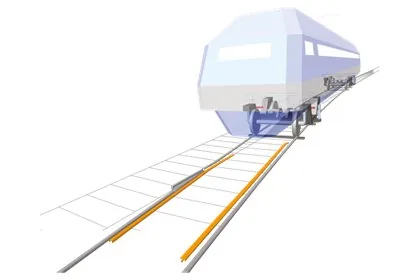
SIMULIASimpackAdvanced
Simpack Rail
13 hours 50 minutesView course
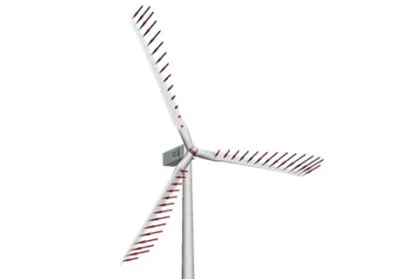
SIMULIASimpackAdvanced
Simpack Wind
7 hours 5 minutesView course
SIMULIASimpackAdvanced
Simpack Drivetrain
6 hours 55 minutesView course
SIMULIASimpackAdvanced
Simpack Scripting
7 hours 15 minutesView course
SIMULIASimpackAdvanced
Simpack Automotive
6 hours 45 minutesView course