
SIMULIASimulation
Simpack Wind
This course explains how to set up wind turbine models in Simpack, how to use the rotorblade generator with linear and nonlinear SIMBEAM elements, wind specific elements (including the interfaces to AeroDyn and HydroDyn), and how to use the Simpack wind load calculation tool.
- Level
- Advanced
- Length
- 7 hours 5 minutes
- Product
- Simpack
- Delivery
- Instructor-led or eLearning
What you will learn
- Understand Simpack Wind turbine applications
- Model structural components (onshore and offshore foundation, tower, nacelle)
- Generate and model Rotorblades in Simpack
- Conduct Aero- and Hydro-elastic simulation
- Use the Load Calculations Tool
- Model high fidelity drivetrains
- Conduct a resonance analysis according to GL 2010
Topics covered
- Overview - Simpack Wind10 min
- 1 - Wind Turbine Model Overview1 hour 20 min
- 2 - Wind Specific Elements1 hour 55 min
- 3 - Aeroelastic Modeling1 hour 45 min
- 4 - HydroDyn50 min
- 5 - High fidelity Drivetrain Modeling1 hour
Who it is for
Simpack users planning to build up and analyze wind turbine models in Simpack.
Prerequisites
The prerequisites for this course are successful completion of the courses:
- Introduction to Simpack
- Simpack Flexible Body
Related courses
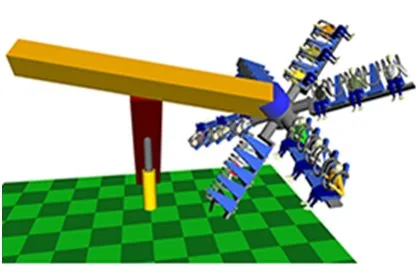
SIMULIASimpackFundamental
Introduction to Simpack
13 hours 50 minutesView course
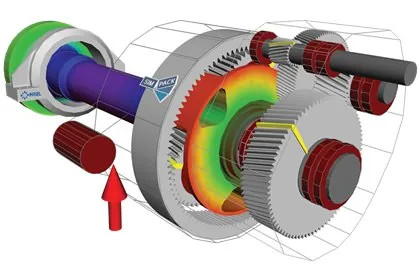
SIMULIASimpackAdvanced
Simpack Drivetrain
6 hours 55 minutesView course
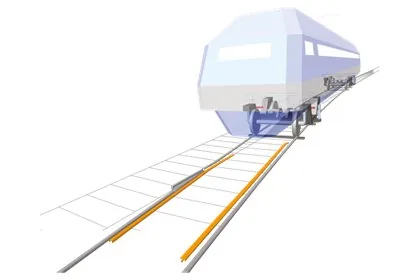
SIMULIASimpackAdvanced
Simpack Rail
13 hours 50 minutesView course
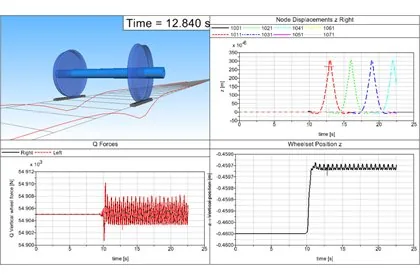
SIMULIASimpackAdvanced
Simpack FlexTrack
7 hoursView course
SIMULIASimpackAdvanced
Simpack Contact Mechanics
7 hours 10 minutesView course
SIMULIASimpackAdvanced
Simpack Automotive
6 hours 45 minutesView course
SIMULIASimpackAdvanced
Simpack Flexible Bodies
16 hoursView course
SIMULIASimpackAdvanced
Simpack Scripting
7 hours 15 minutesView course