
SIMULIASimulation
Simpack Scripting
This course explains how to automate tasks in Simpack Pre and Post through scripting. It provides user experience in terms of writing, running and debugging scripts.
- Level
- Advanced
- Length
- 7 hours 15 minutes
- Product
- Simpack
- Delivery
- Instructor-led or eLearning
What you will learn
completion of this course you will be able to:
- This course provides an overview of the Simpack
- scripting capabilities and possible applications. Upon
- Understand the basics of the scripting languages.
- Use Simpack-specific scripting classes.
- Create examples for the most common scripting applications.
- Write, run and debug scripts.
Topics covered
- Overview - Simpack Scripting10 min
- 1 - Simpack Scripting Overview1 hour 15 min
- 2 - Advanced Pre Scripting1 hour
- 3 - Advanced Pre Scripting2 hour
- 4 - Solver Scripting1 hour
- 5 - Post Scripting1 hour 15 min
- 6 - COM Interface for Simpack30 min
Who it is for
Simpack users wishing to automate any tasks in Simpack
Prerequisites
Completion of the Simpack Basics training course. Basic programming knowledge is required.
Related courses
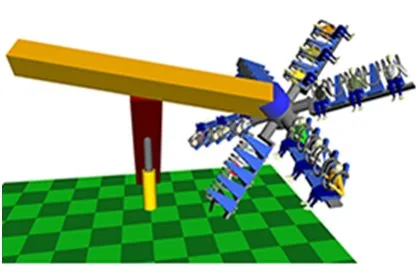
SIMULIASimpackFundamental
Introduction to Simpack
13 hours 50 minutesView course
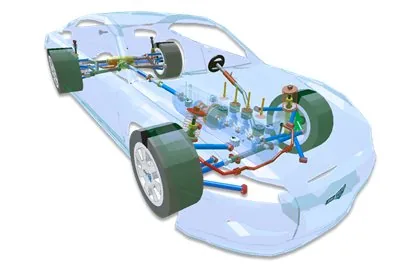
SIMULIASimpackAdvanced
Simpack Automotive
6 hours 45 minutesView course
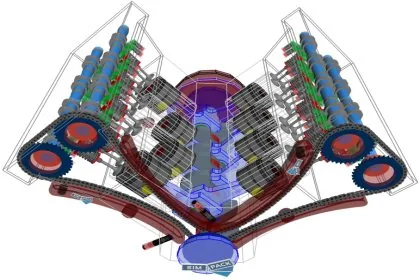
SIMULIASimpackAdvanced
Simpack Engine
14 hours 25 minutesView course
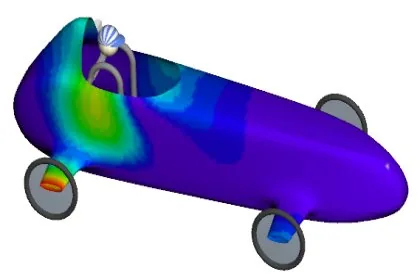
SIMULIASimpackAdvanced
Simpack Flexible Bodies
16 hoursView course

SIMULIASimpackAdvanced
Simpack User Routines
7 hours 50 minutesView course
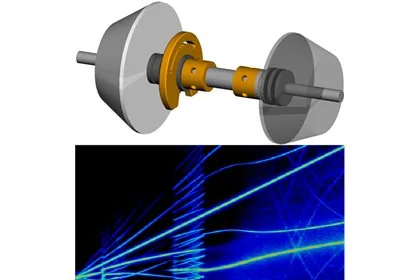
SIMULIASimpackAdvanced
Simpack NVH
6 hours 50 minutesView course
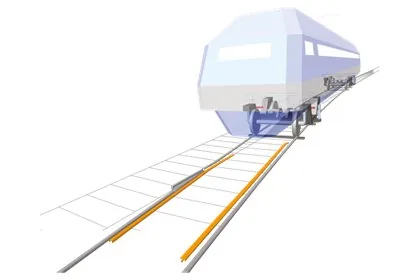
SIMULIASimpackAdvanced
Simpack Rail
13 hours 50 minutesView course
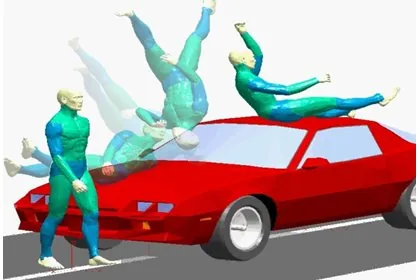
SIMULIASimpackAdvanced
Simpack Contact Mechanics
7 hours 10 minutesView course