
SIMULIASimulation
Simpack FlexTrack
This course explains how to set up flexible rail track models in Simpack.
- Level
- Advanced
- Length
- 7 hours
- Product
- Simpack
- Delivery
- Instructor-led or eLearning
What you will learn
- Set up of a finite element based flexible rail track
- in Simpack Preparing the FE models for the import
- Craigh-Bampton reduction
- Import of the reduced FE-Models into Simpack Selection of the appropriate FE modeling method Modeling of nonlinear railpads and ballast defects Take advantage of Simpack scripts for semi- automatic flexible track setup
Topics covered
- Overview - Simpack FlexTrack10 min
- 1 - Simpack FlexTrack Overview35 min
- 2 - Preparing the FE Model1 hour 20 min
- 3 - Linear FlexTrack1 hour 20 min
- 4 - Flexible Track Setup in Simpack2 hour
- 5 - Advanced FlexTrack Elements1 hour 30 min
- 6 - FlexTrack Workflow Variants-
Who it is for
Simpack Rail users interested in advanced train/track interaction, and engineers involved in modelling the dynamic behavior of tracks, bridges, switches and crossings.
Prerequisites
Introduction to Simpack training course successfully completed Simpack Rail training course successfully completed Optional: Simpack Flexible Bodies training course
Related courses
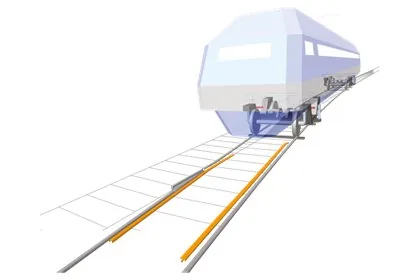
SIMULIASimpackAdvanced
Simpack Rail
13 hours 50 minutesView course
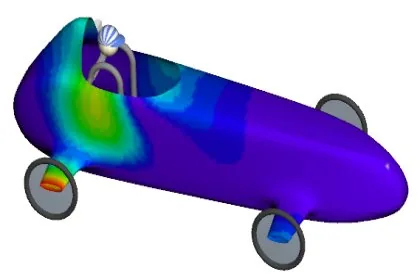
SIMULIASimpackAdvanced
Simpack Flexible Bodies
16 hoursView course
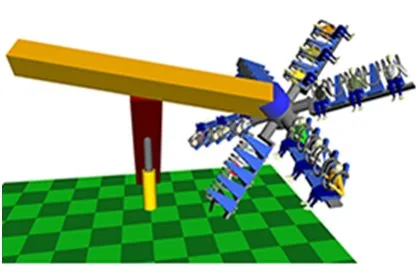
SIMULIASimpackFundamental
Introduction to Simpack
13 hours 50 minutesView course
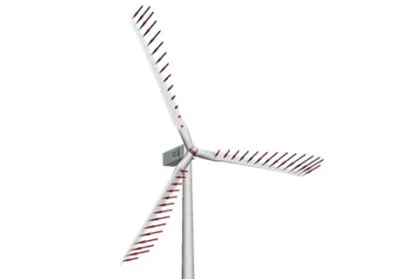
SIMULIASimpackAdvanced
Simpack Wind
7 hours 5 minutesView course
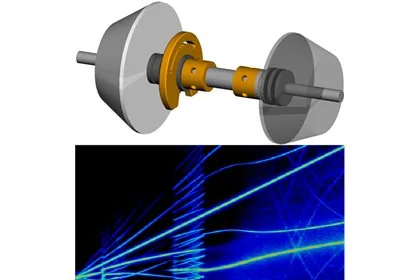
SIMULIASimpackAdvanced
Simpack NVH
6 hours 50 minutesView course
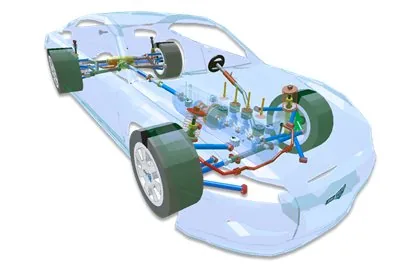
SIMULIASimpackAdvanced
Simpack Automotive
6 hours 45 minutesView course
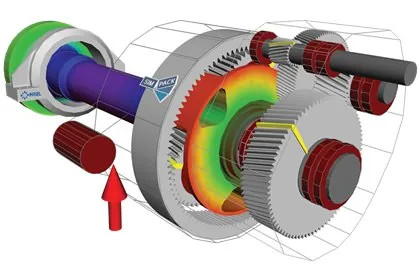
SIMULIASimpackAdvanced
Simpack Drivetrain
6 hours 55 minutesView course
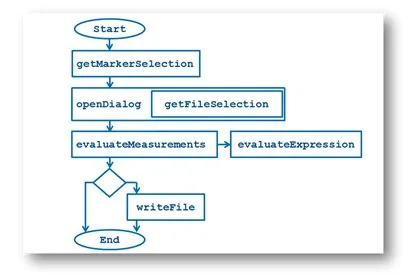
SIMULIASimpackAdvanced
Simpack Scripting
7 hours 15 minutesView course