
SIMULIASimulation
Simpack Engine
This course explains how to use Simpack specific modeling elements for engine applications. These include cranktrain modeling, the Dynamic Spring Generation tool, hydraulic lash adjuster, valvetrain, chain drive systems and Simpack Wizard together with the Engine demo database.
- Level
- Advanced
- Length
- 14 hours 25 minutes
- Product
- Simpack
- Delivery
- Instructor-led or eLearning
What you will learn
- Use Simpack’s specific modeling elements for engine applications
- Perform simulations using high fidelity cranktrain models
- Generate and model dynamic springs in Simpack
- Model a hydraulic lash adjuster for chain and valvetrain applications
- Perform kinematic and dynamic analyses of single valvetrain models
- Model a chain drive system
- Understand how to use Simpack Wizard together with the Simpack Engine demo database
Topics covered
- Overview - Simpack Engine10 min
- 1 - Engine Overview30 min
- 2 - Cranktrain3 hour
- 3 - Hydraulic Lash Adjuster1 hour 15 min
- 4 - Dynamic Spring1 hour 10 min
- 5 - Valvetrain2 hour 25 min
- 6 - Timing Mechanism5 hour 50 min
- 7 - Simpack Engine Demo Wizard Database1 hour 5 min
- 8 - Simpack Wizard1 hour 15 min
Who it is for
Simpack users planning to build up and analyze engine models in Simpack.
Prerequisites
Before undertaking this course, you should have completed the Introduction to Simpack training course.
Related courses
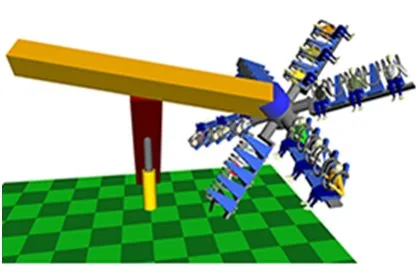
SIMULIASimpackFundamental
Introduction to Simpack
13 hours 50 minutesView course
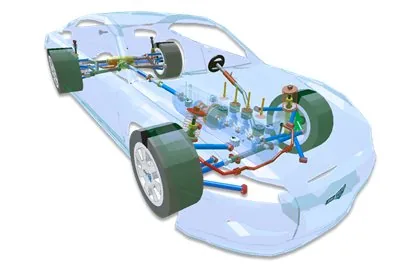
SIMULIASimpackAdvanced
Simpack Automotive
6 hours 45 minutesView course
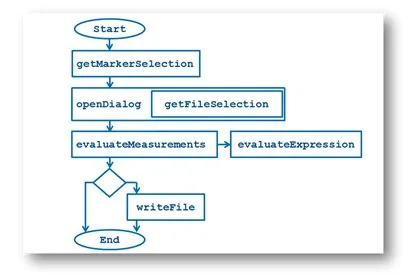
SIMULIASimpackAdvanced
Simpack Scripting
7 hours 15 minutesView course
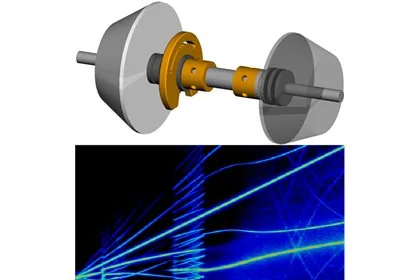
SIMULIASimpackAdvanced
Simpack NVH
6 hours 50 minutesView course
SIMULIASimpackAdvanced
Simpack Contact Mechanics
7 hours 10 minutesView course

SIMULIASimpackAdvanced
Simpack User Routines
7 hours 50 minutesView course
SIMULIASimpackAdvanced
Simpack FlexTrack
7 hoursView course
SIMULIA3DEXPERIENCE PlatformFundamental
Connector for Simpack Essentials
1 hour 15 minutesView course