
CATIADesign and Engineering
Practice CATIA Bent Part Design
This module will teach you how to use the Bent Part Design app to create and modify a sheetmetal part. You will learn how to define the sheetmetal parameters and create features such as walls, bends, cutouts and corners. You will also learn different techniques for multi-selecting the objects and constraining the parts.
- Level
- Fundamental
- Length
- 6 hours
- Product
- 3DEXPERIENCE Platform
- Delivery
- Instructor-led or eLearning
What you will learn
- Define and modify the sheetmetal parameters
- Create a sheetmetal part using the wall and bend features
- Manage the folded and unfolded views of parts
- Create cutouts, chamfers and corners
- Constrain the parts
Topics covered
- Introduction to the Bent Part Design App1 hour
- Creating the Parts2 hour
- Modifying the Parts2 hour
- Constraining the Parts40 min
- Case Study: Create a Computer Card Slide20 min
Who it is for
Mechanical Designer and Sheetmetal Designer
Prerequisites
Learners pursuing this learning module should have completed the Explore the 3DSwymer Role and the 3DEXPERIENCE® Platform Essentials for CAD Users modules.
Software: Learners attending this learning module should have access to 3DSwymer (IFW-OC), Collaborative Industry Innovator (CSV-OC) and Mechanical Designer (MDG-OC).
Related courses

3DEXPERIENCE3DEXPERIENCE PlatformFundamental
3DEXPERIENCE® Platform Essentials for CAD Users
1 hourView course

3DEXPERIENCE3DEXPERIENCE PlatformFundamental
Explore the 3DSwymer Role
1 hour 50 minutesView course
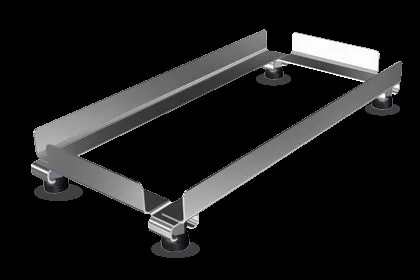
CATIA3DEXPERIENCE PlatformFundamental
Practice CATIA Weld Design
3 hours 45 minutesView course

CATIA3DEXPERIENCE PlatformFundamental
Practice CATIA Generative Shape Design Essentials
7 hoursView course
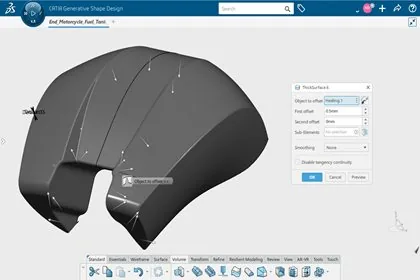
CATIA3DEXPERIENCE PlatformFundamental
Practice CATIA Generative Shape Design
6 hoursView course

CATIA3DEXPERIENCE PlatformFundamental
Practice CATIA Mechanical Systems Design
6 hoursView course
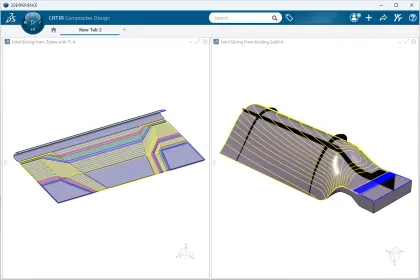
CATIA3DEXPERIENCE PlatformFundamental
Practice CATIA Composites Design Using Solid Slicing Approach
14 hours 10 minutesView course
CATIA3DEXPERIENCE PlatformFundamental
Practice CATIA Natural Assembly
4 hoursView course